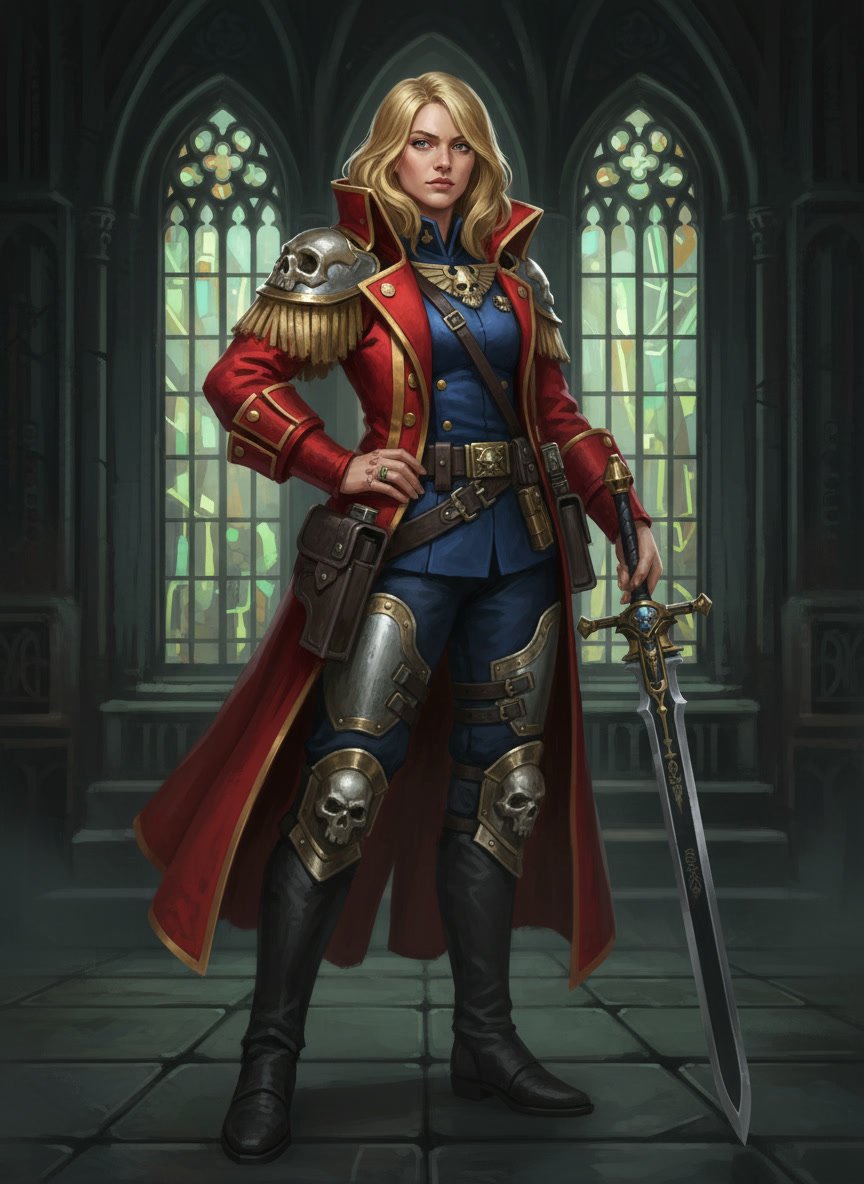
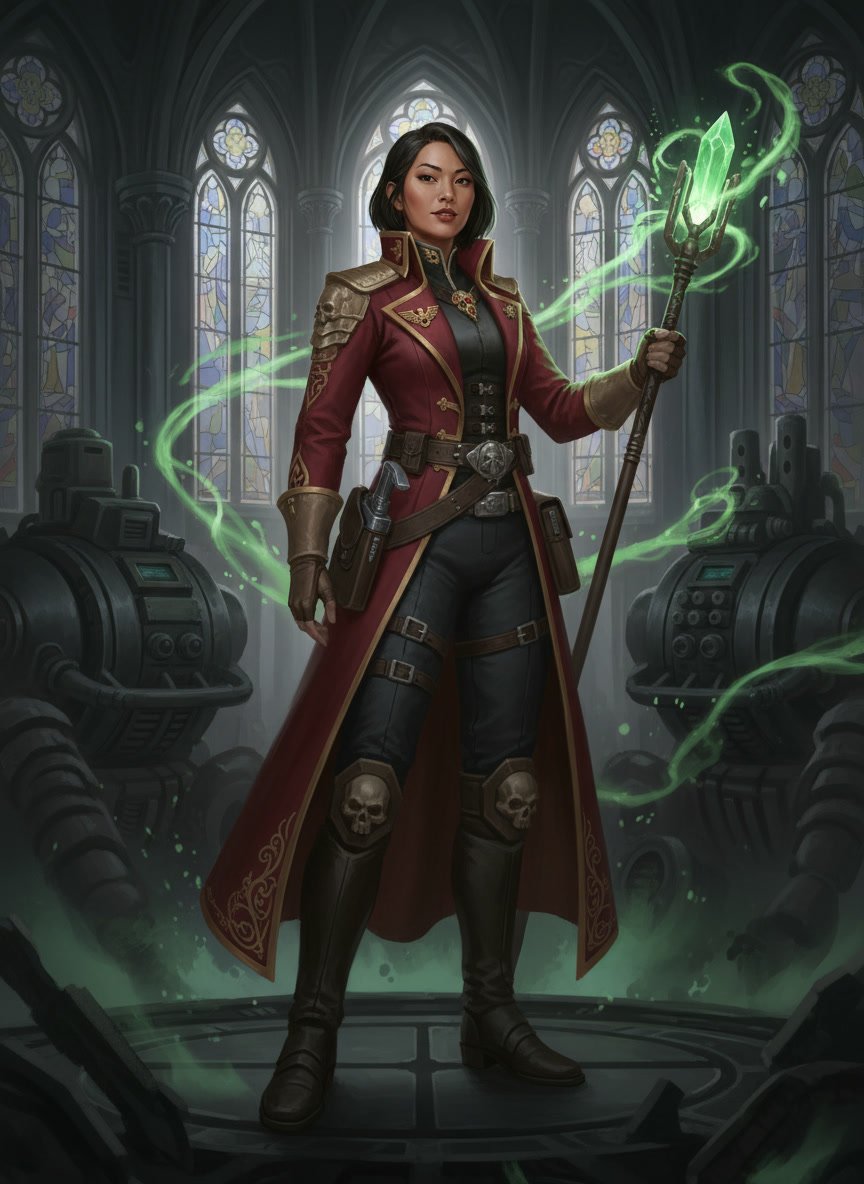
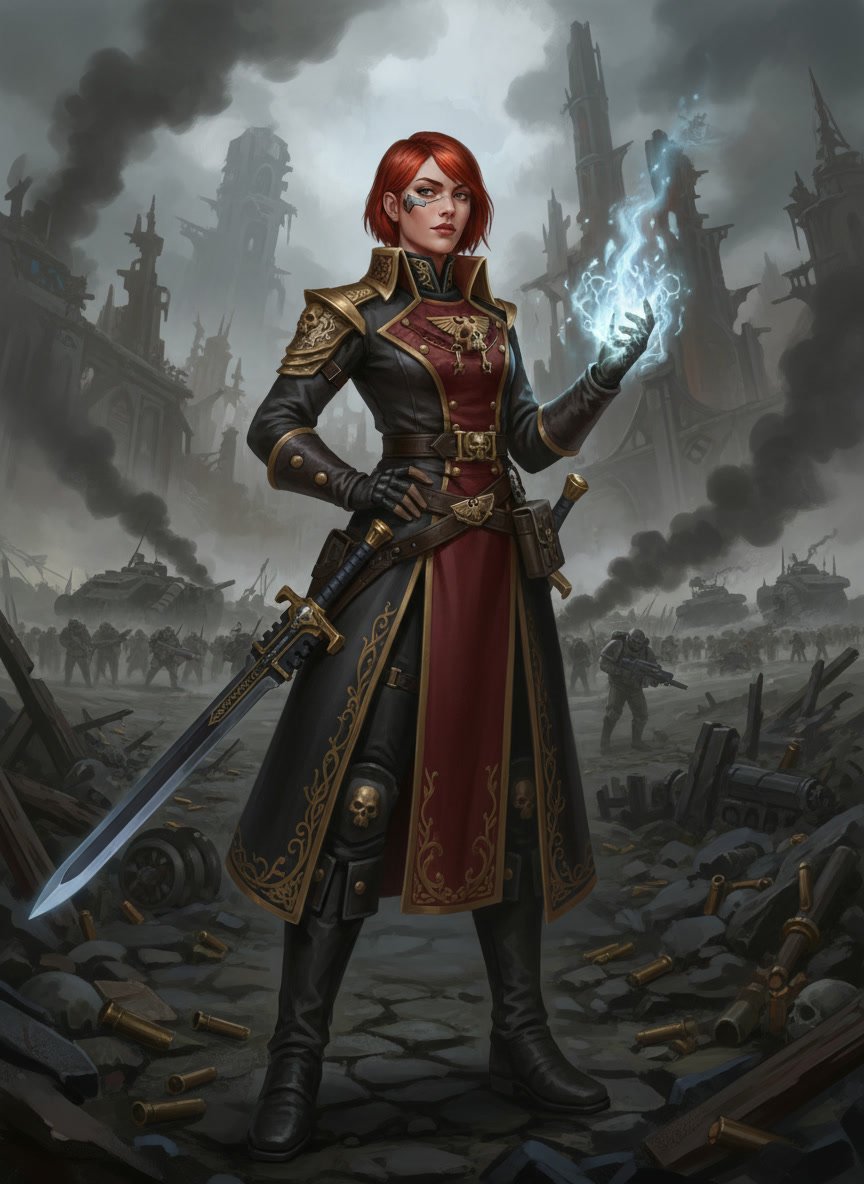
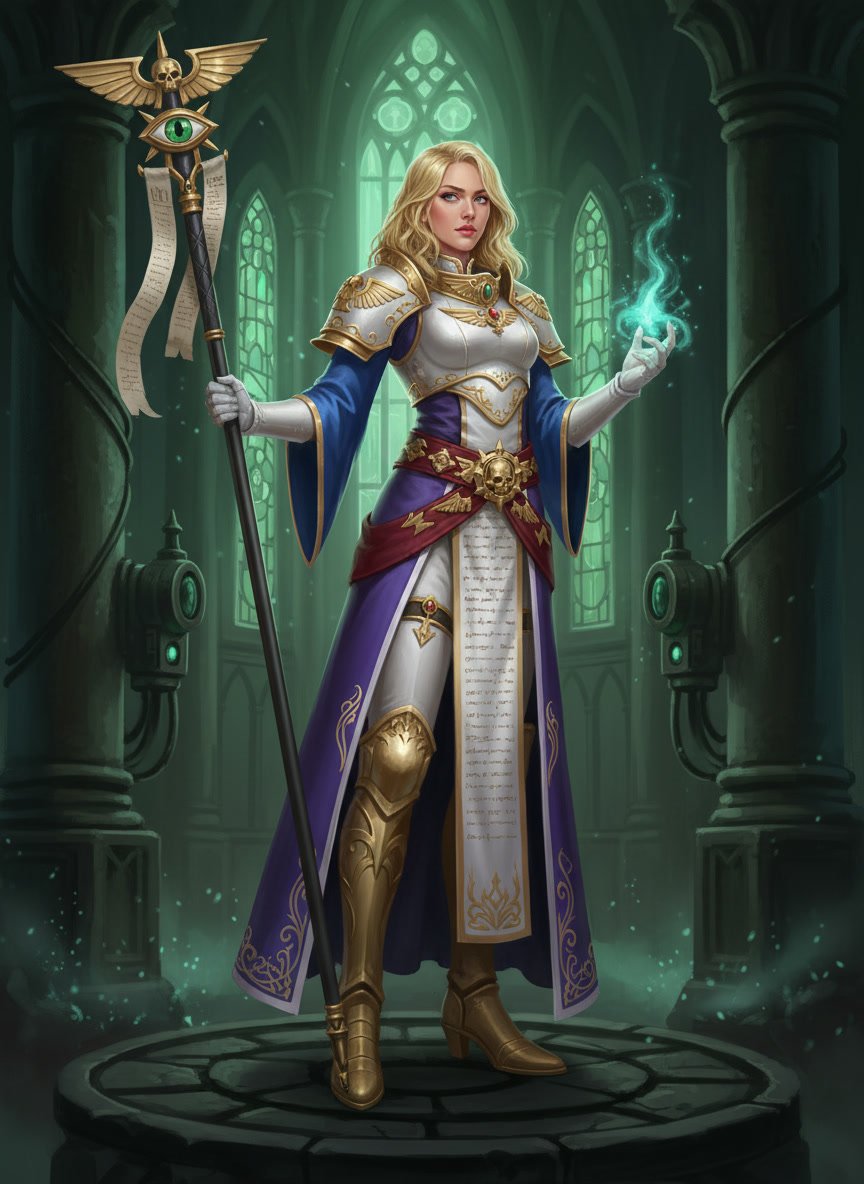
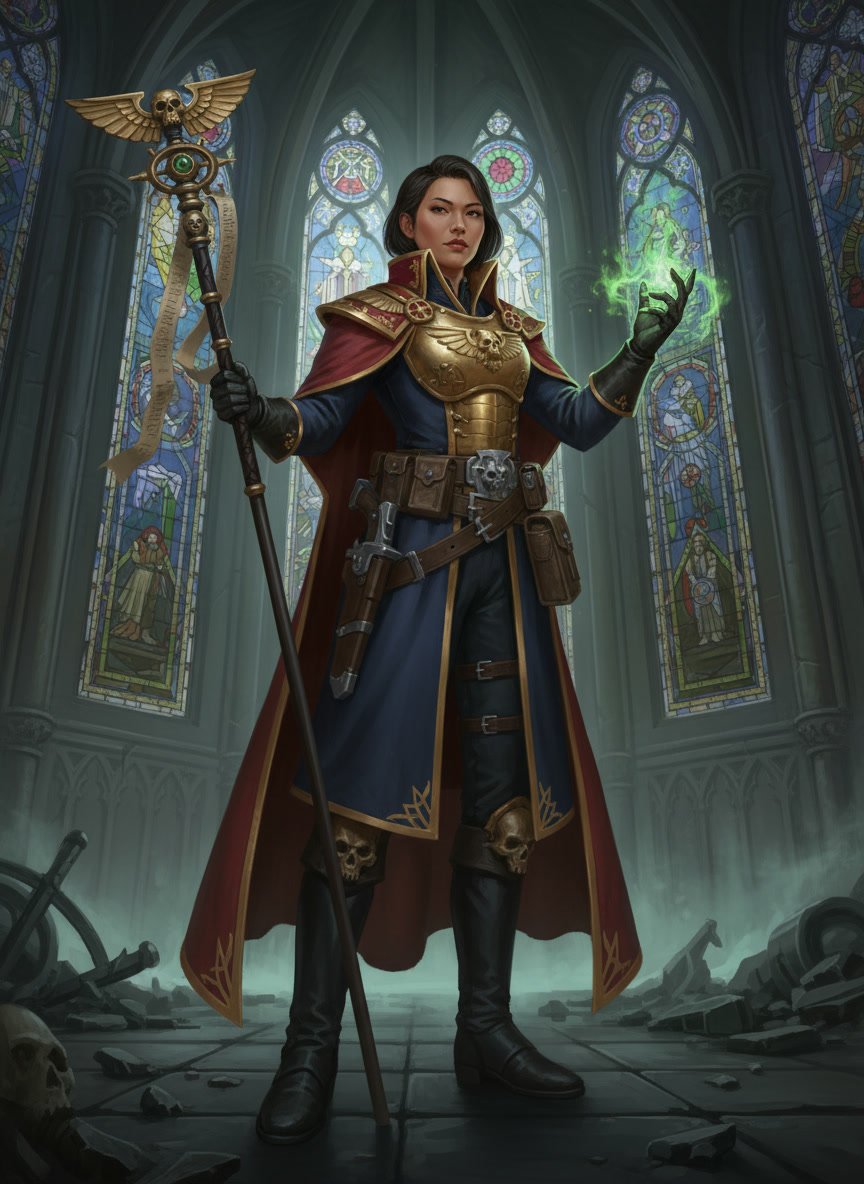
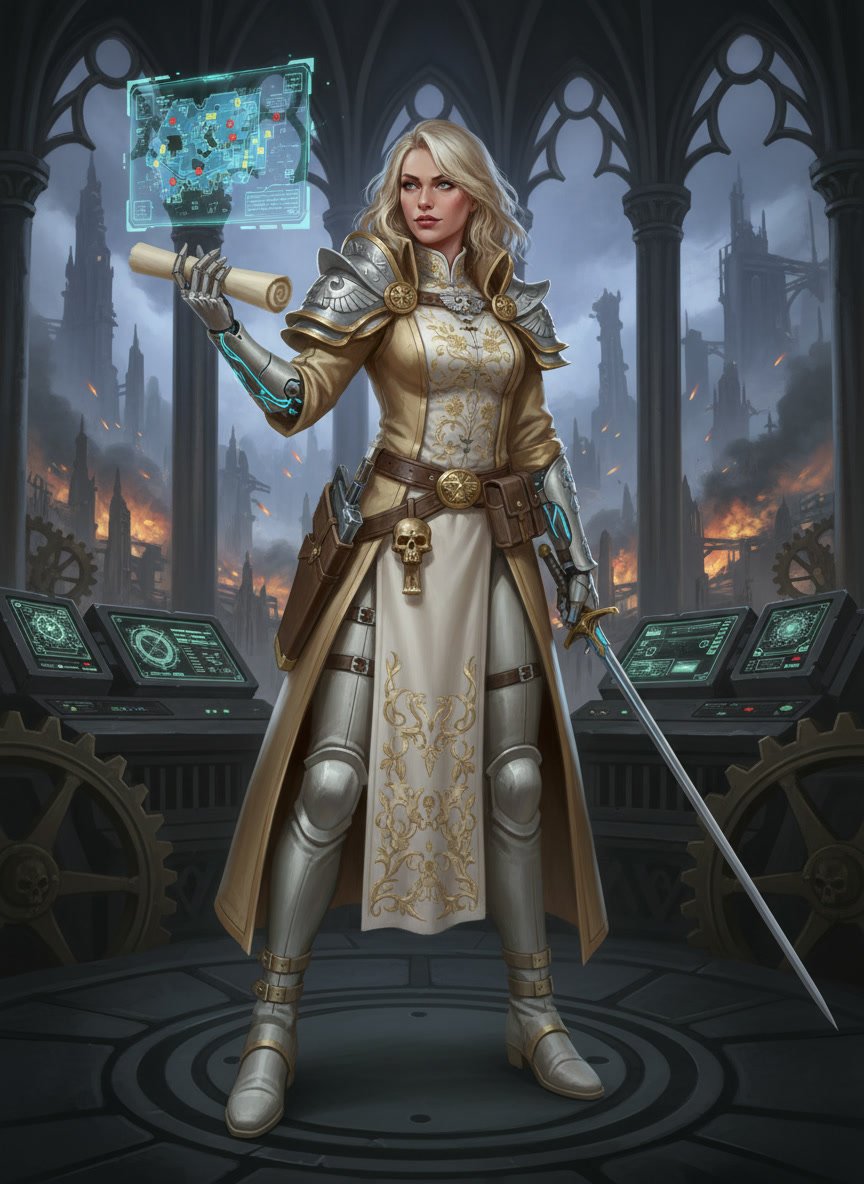
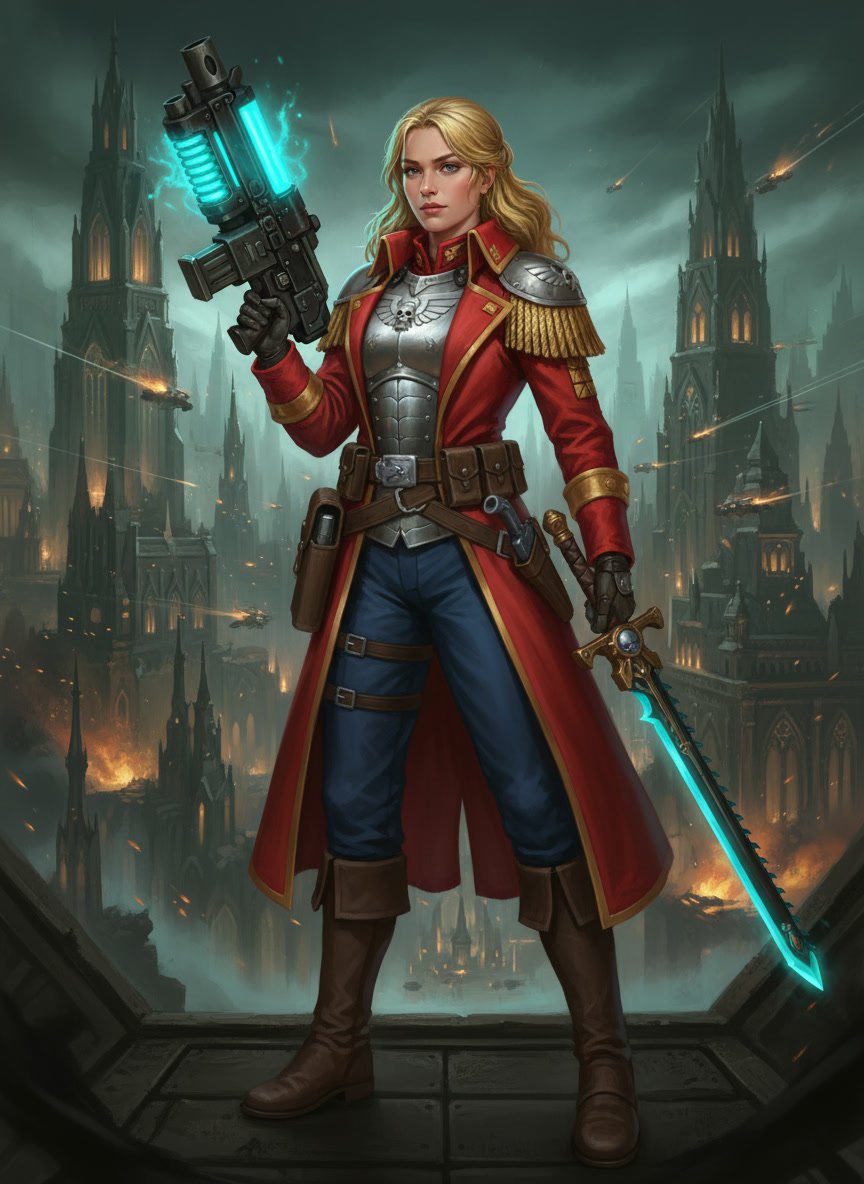
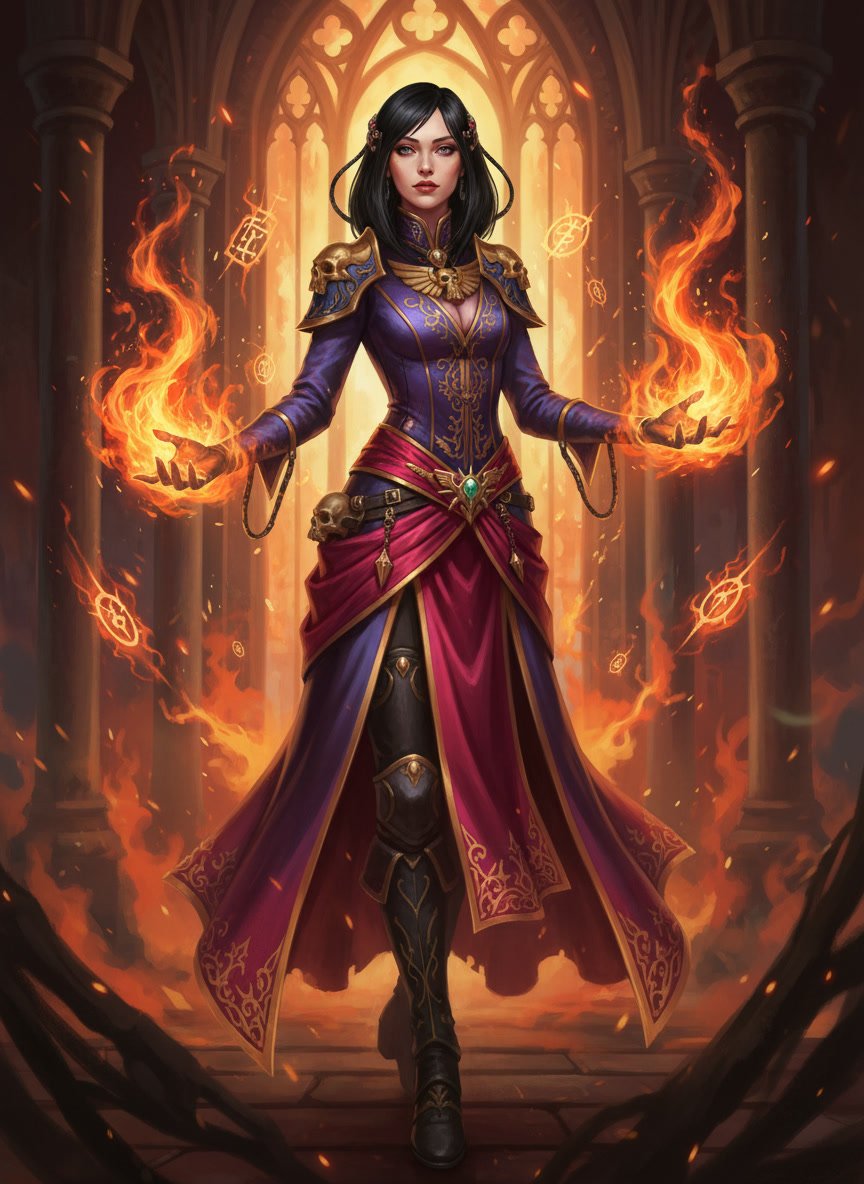
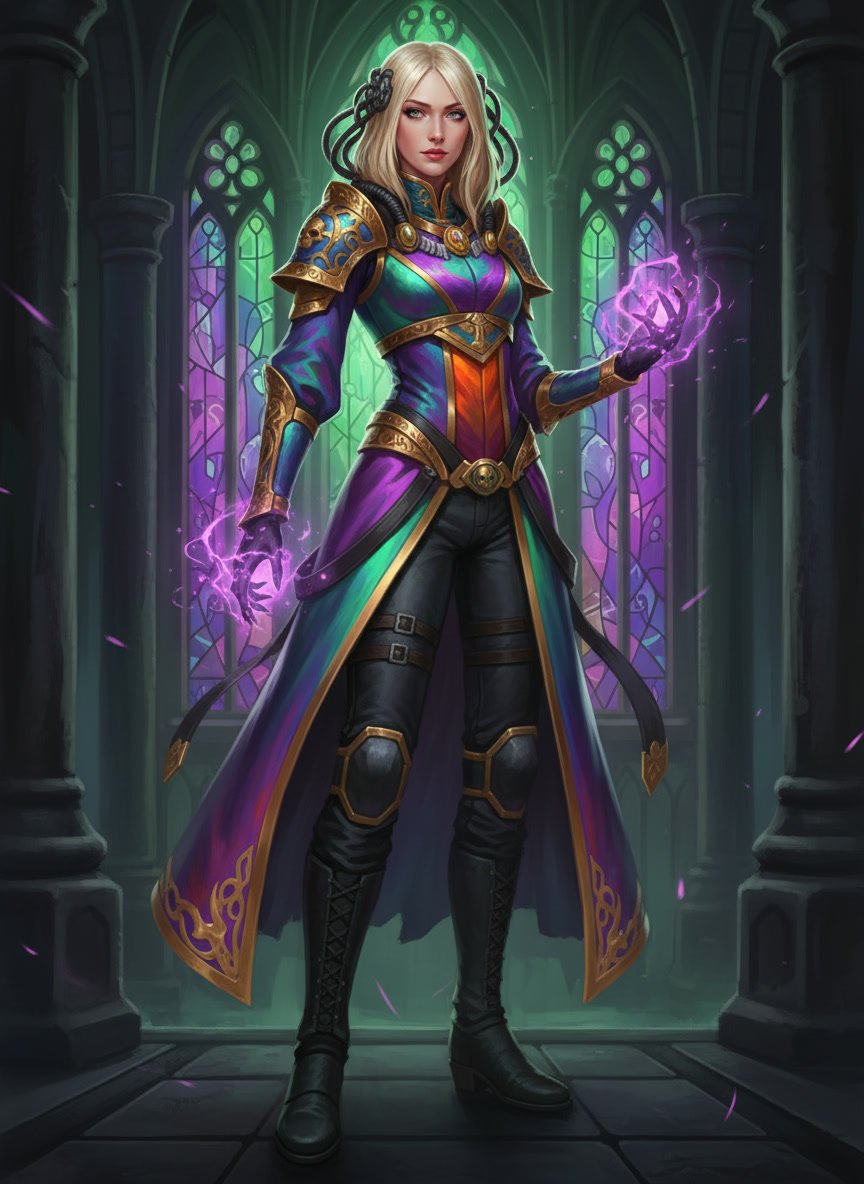
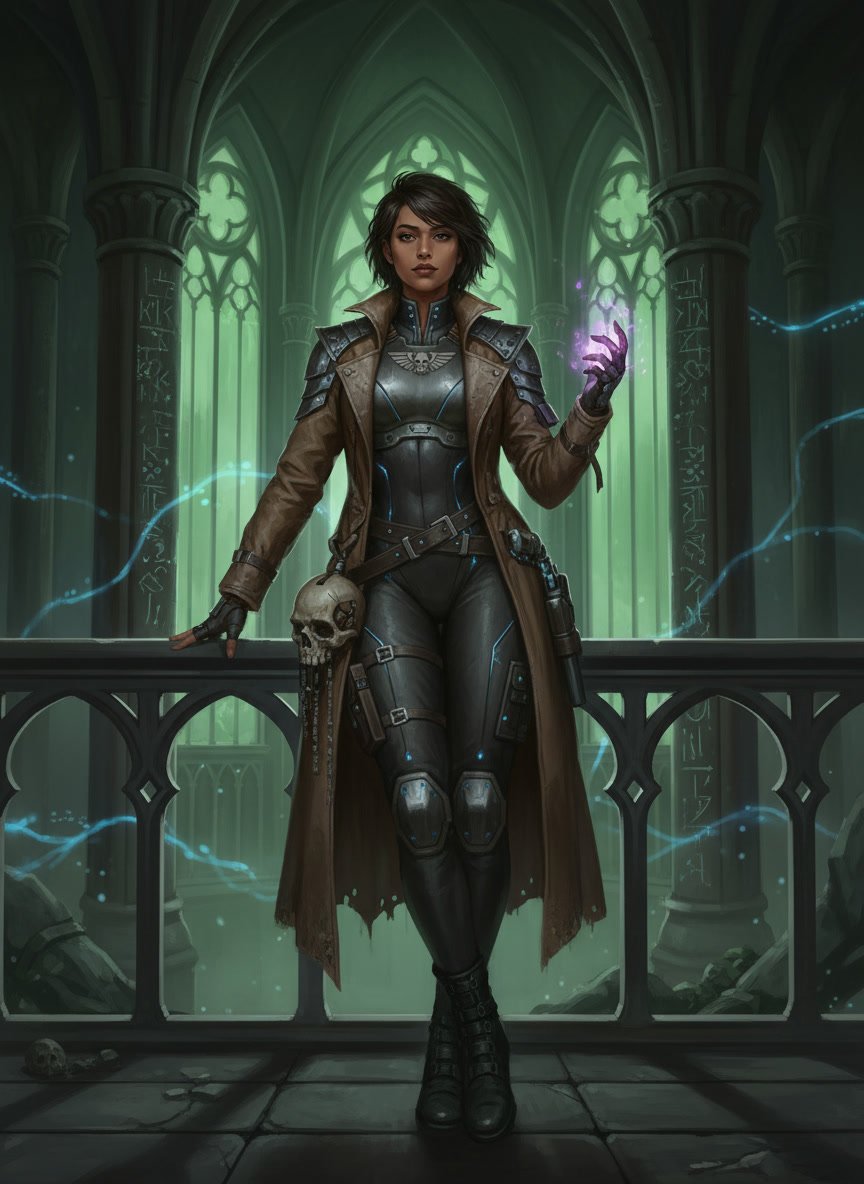
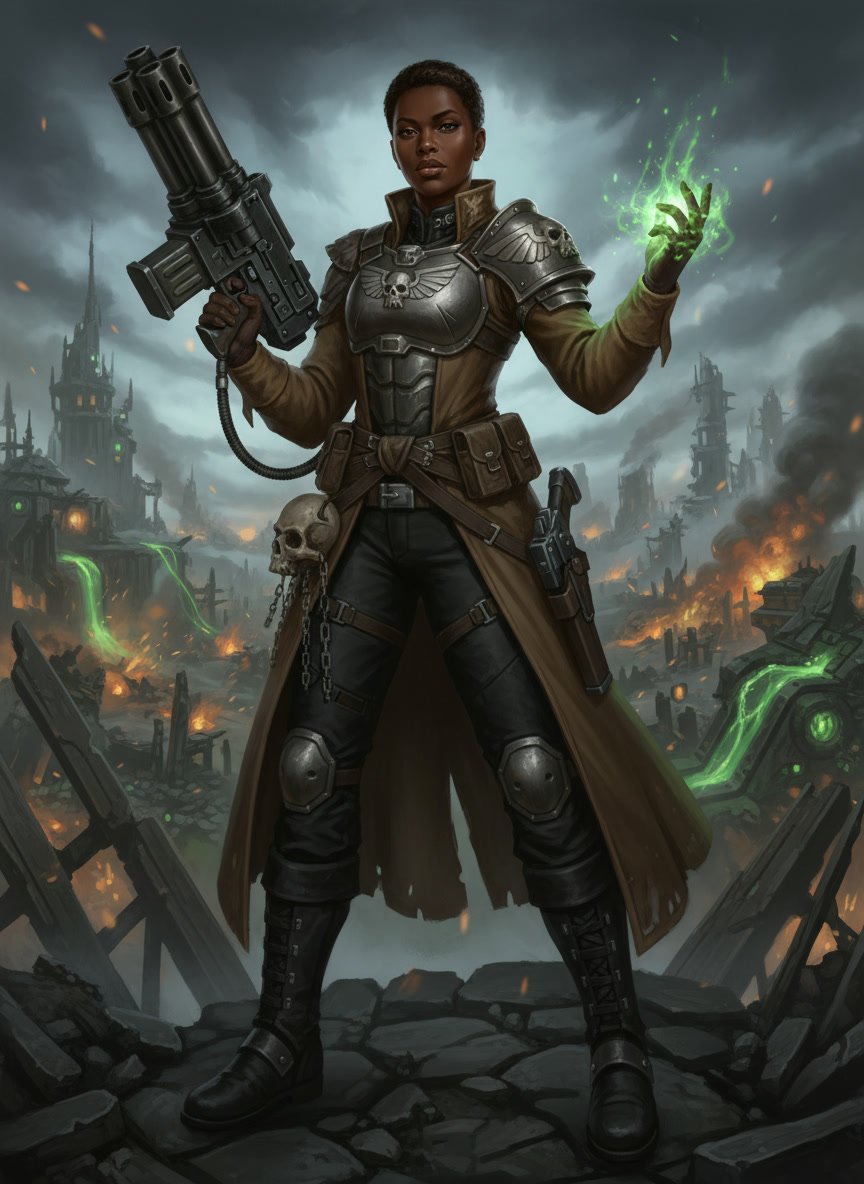
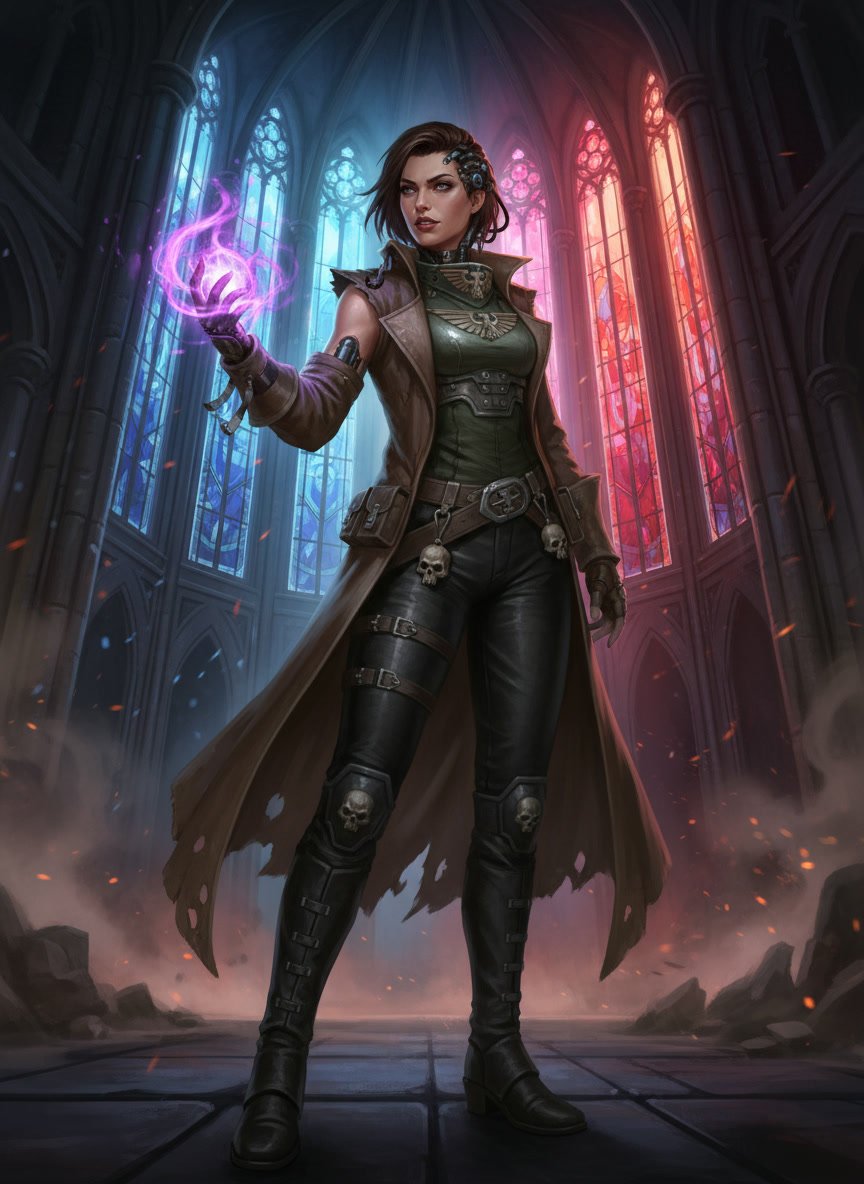
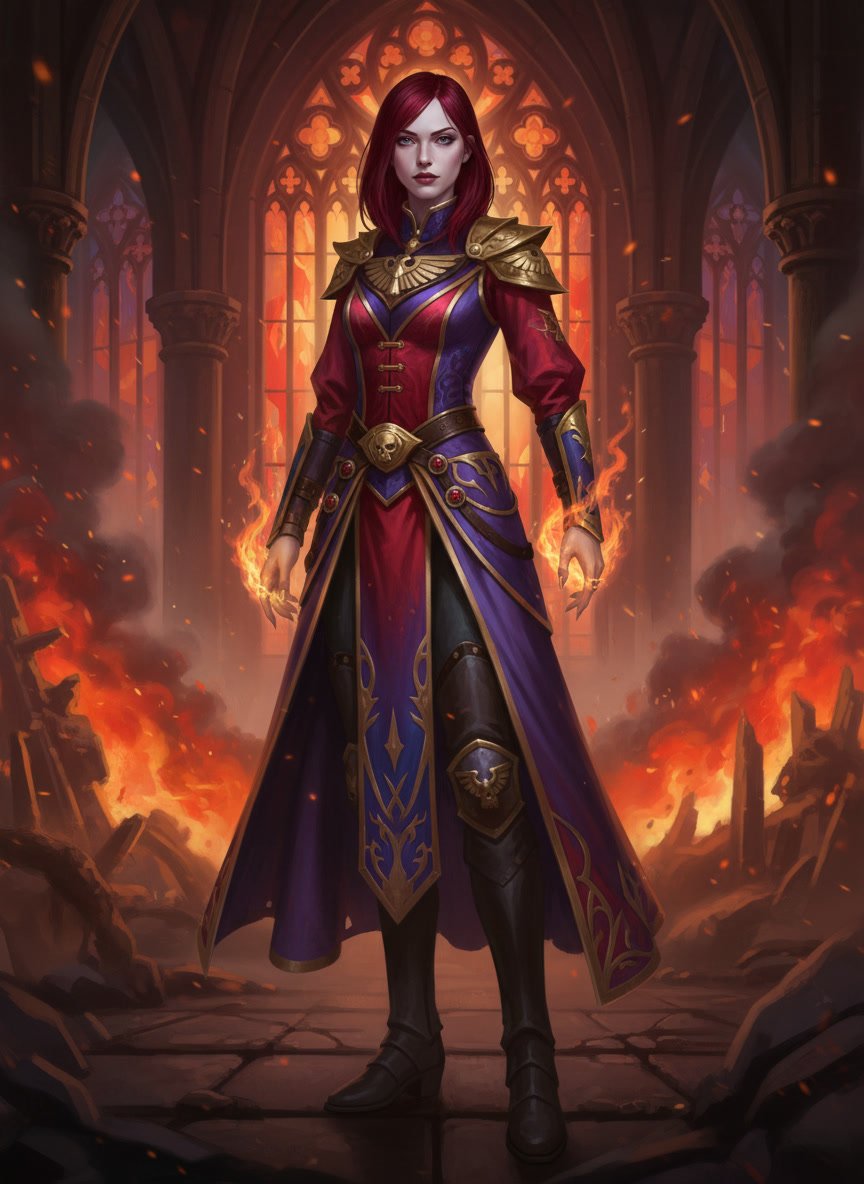
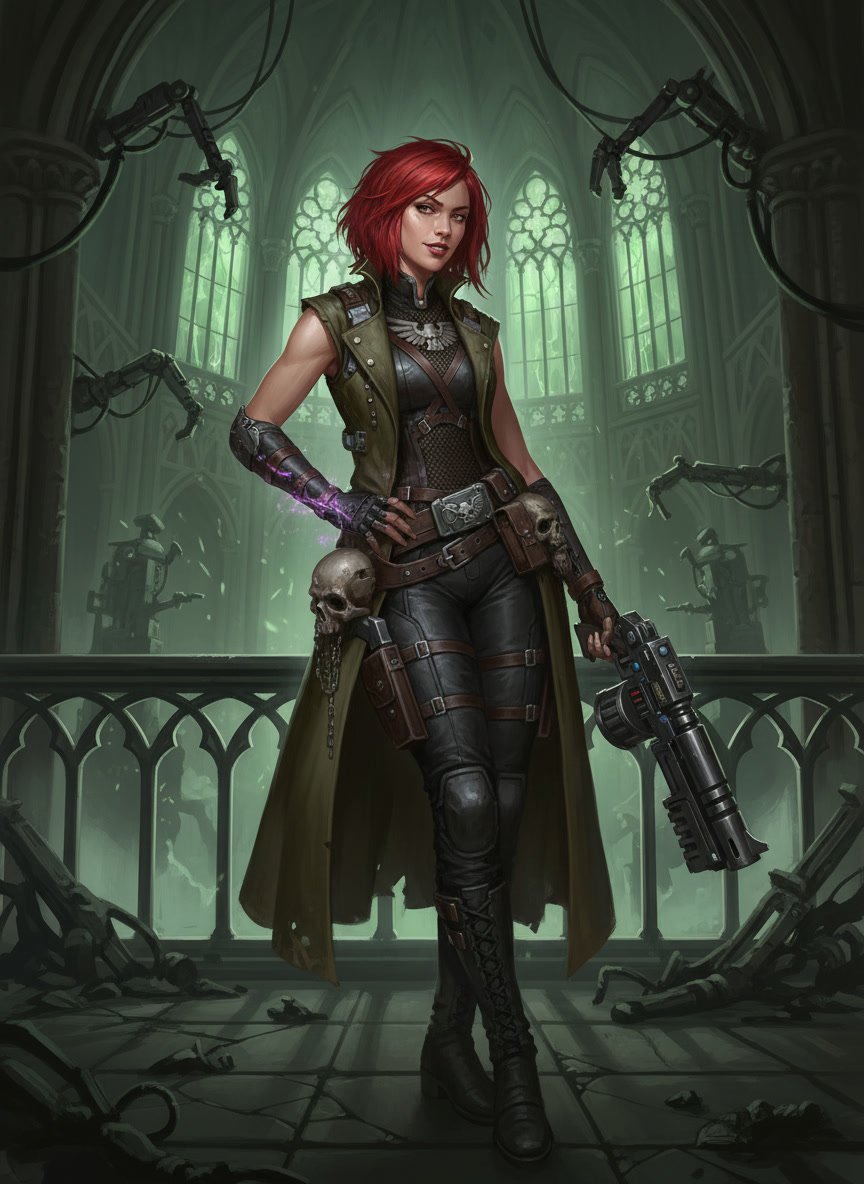
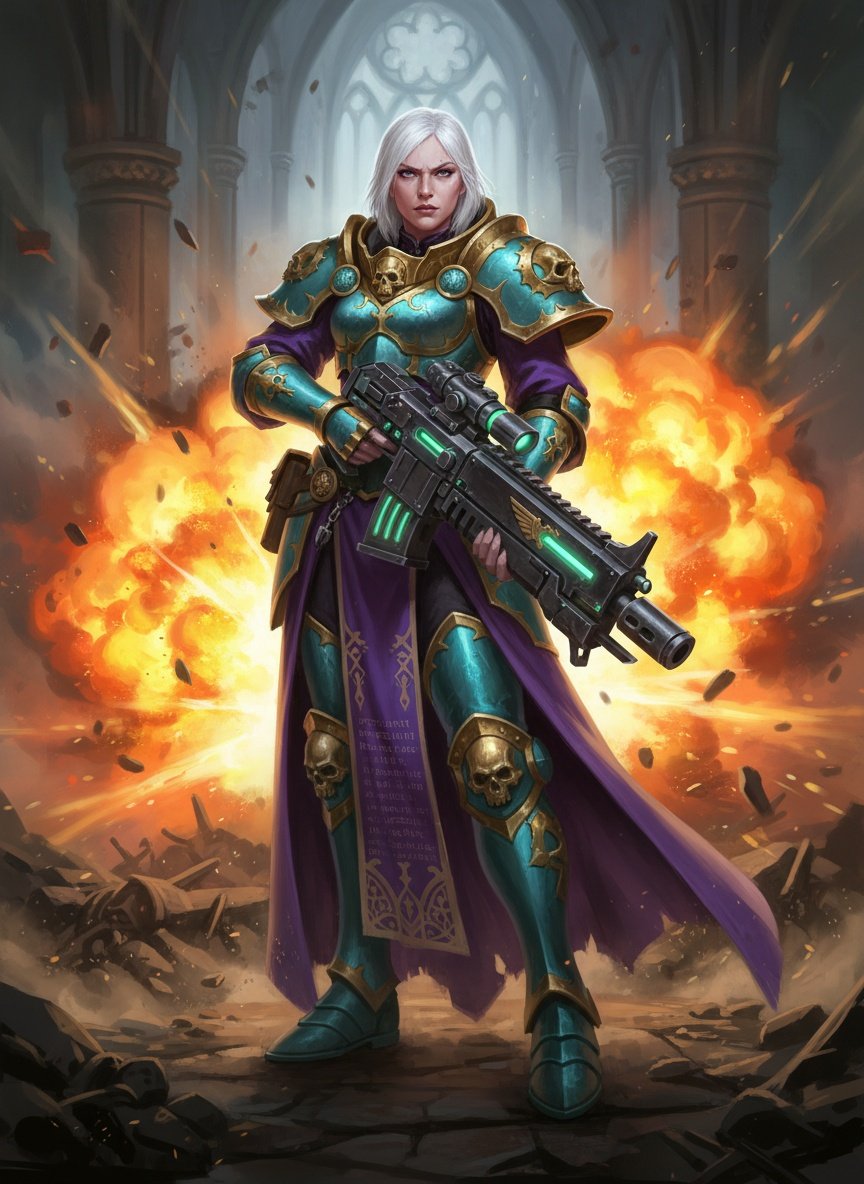
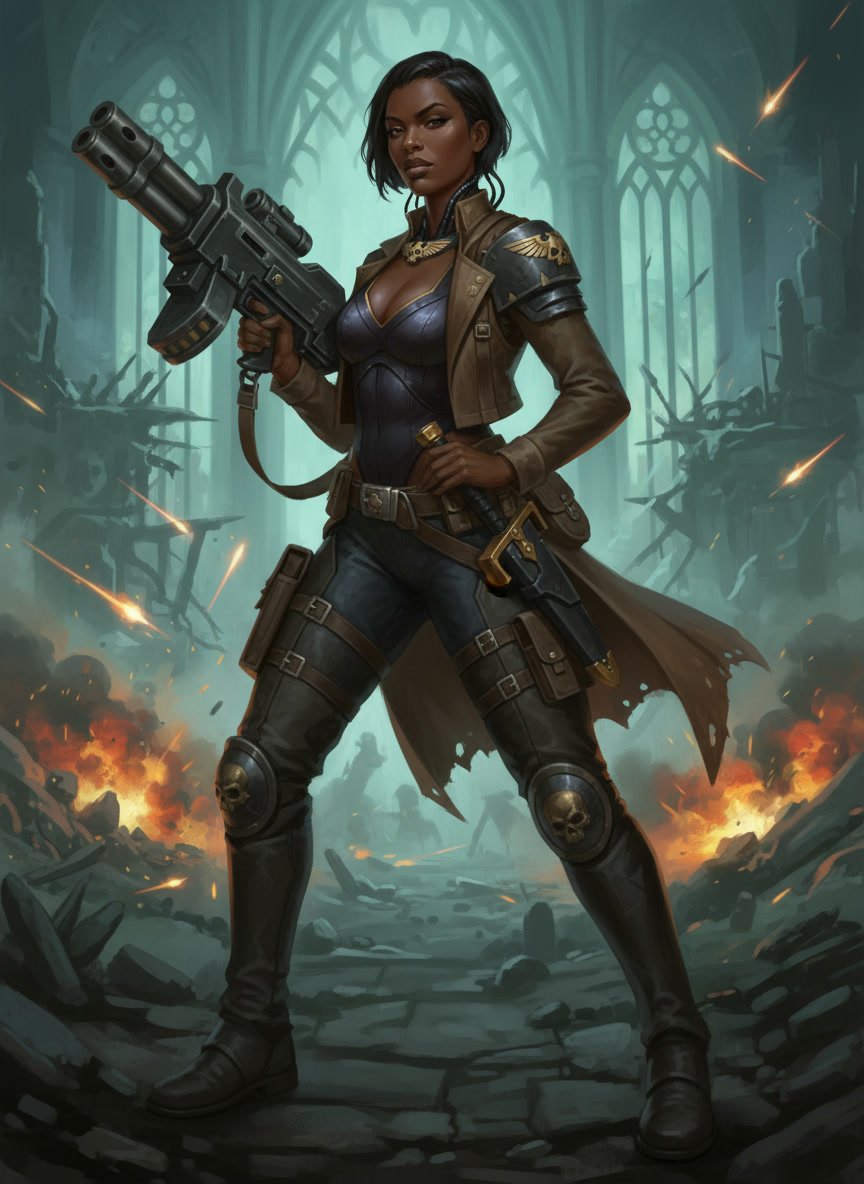
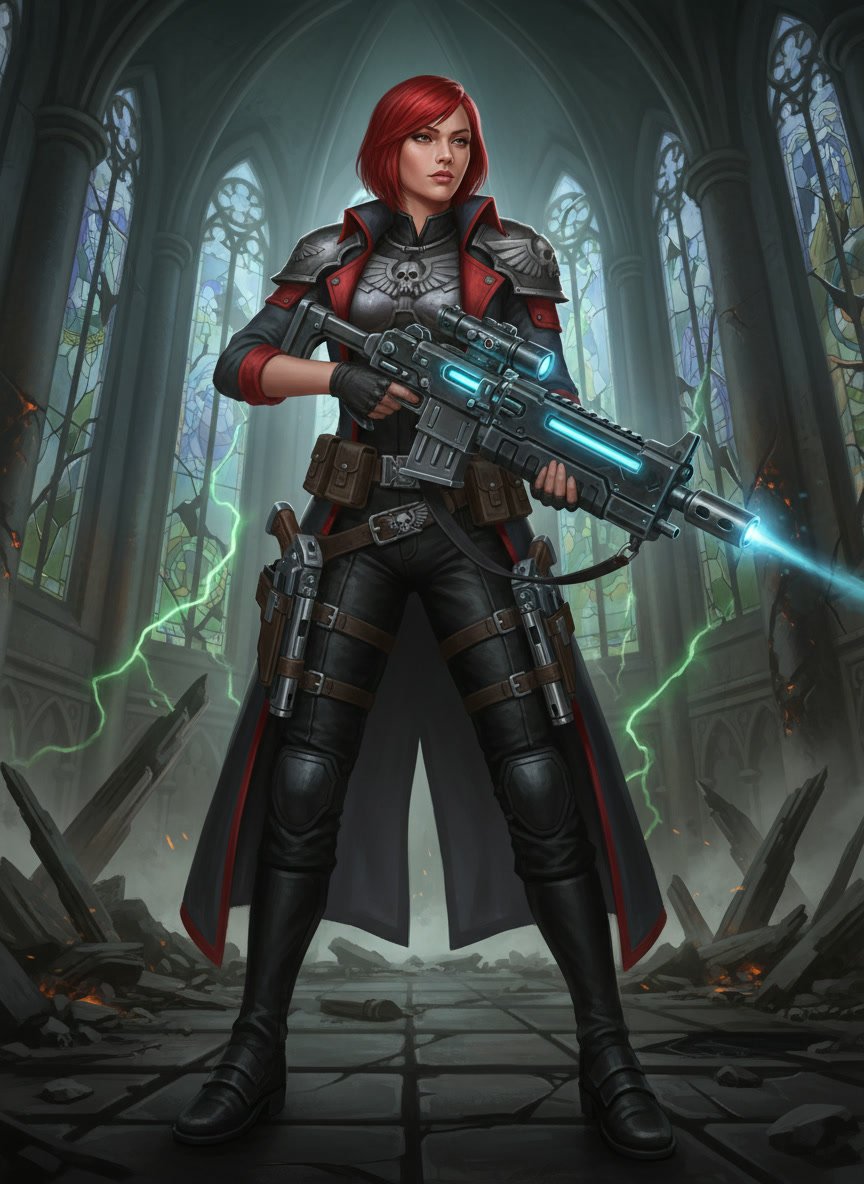
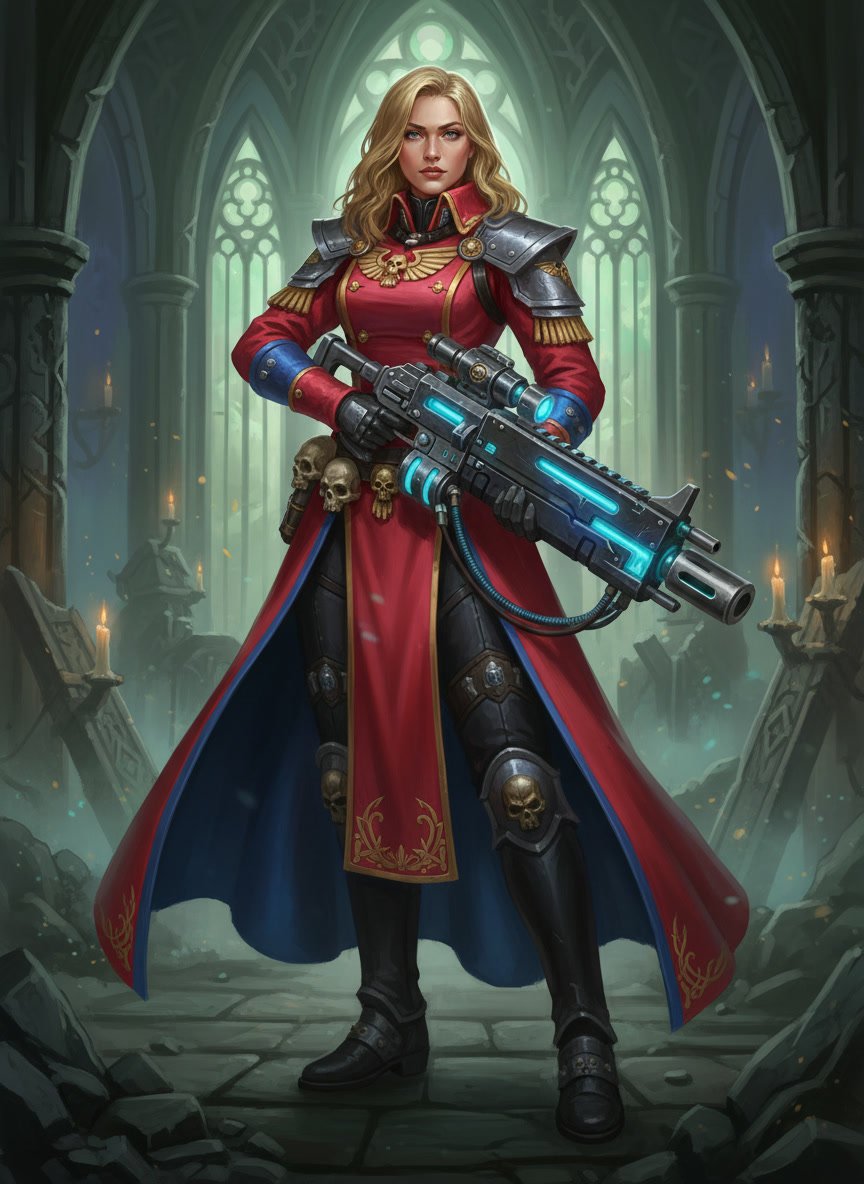
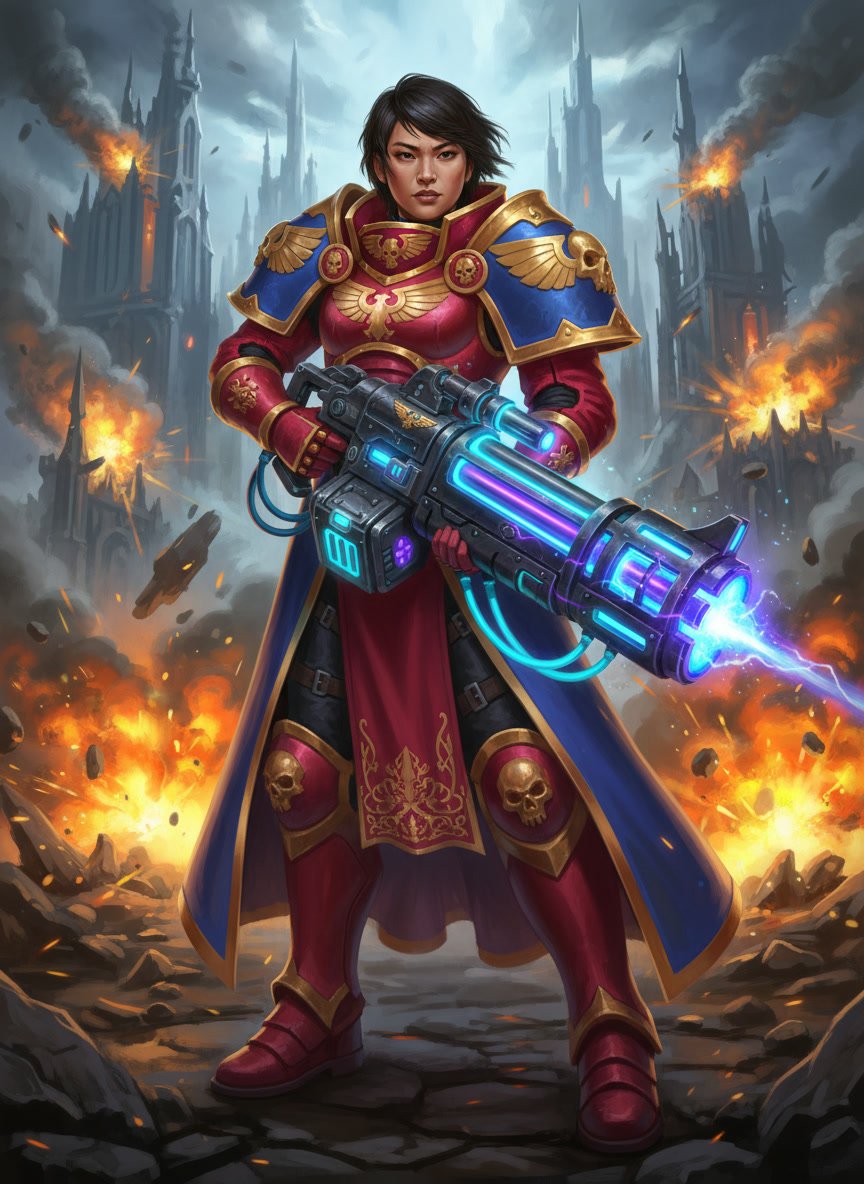
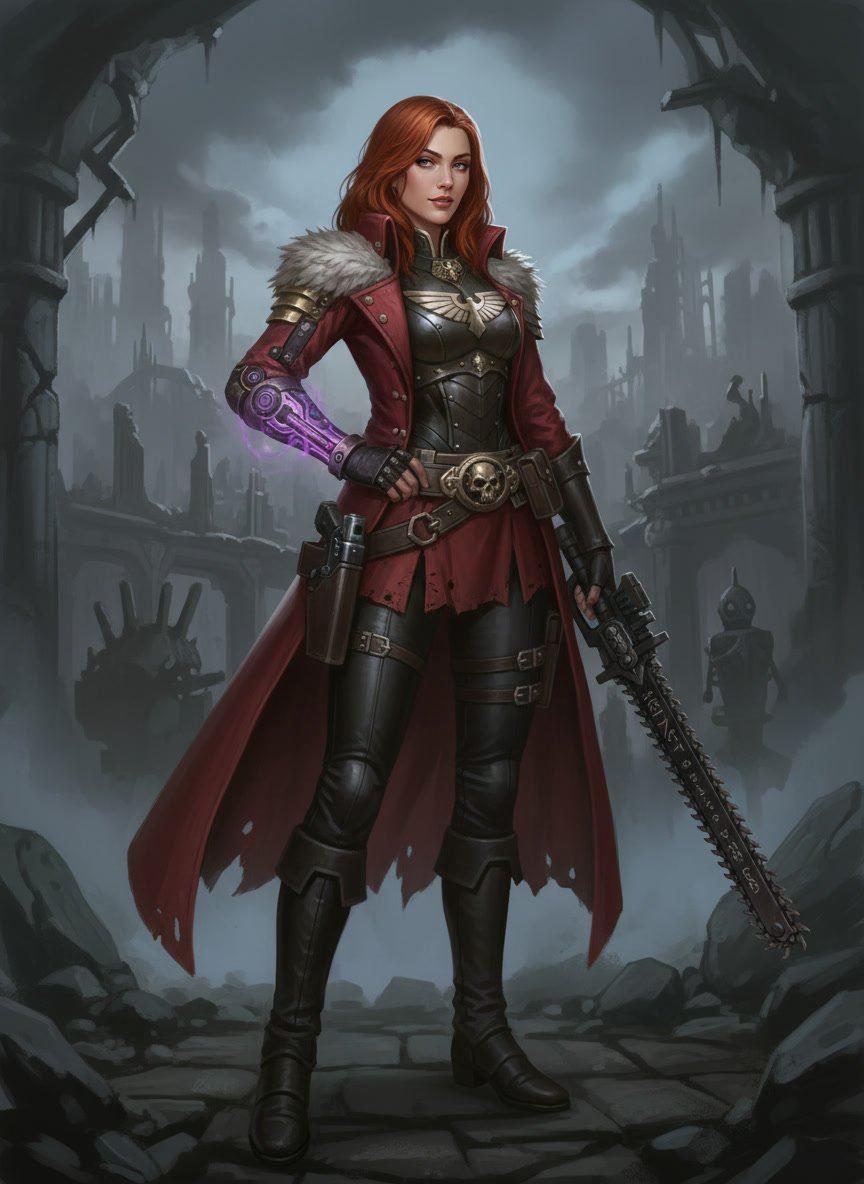
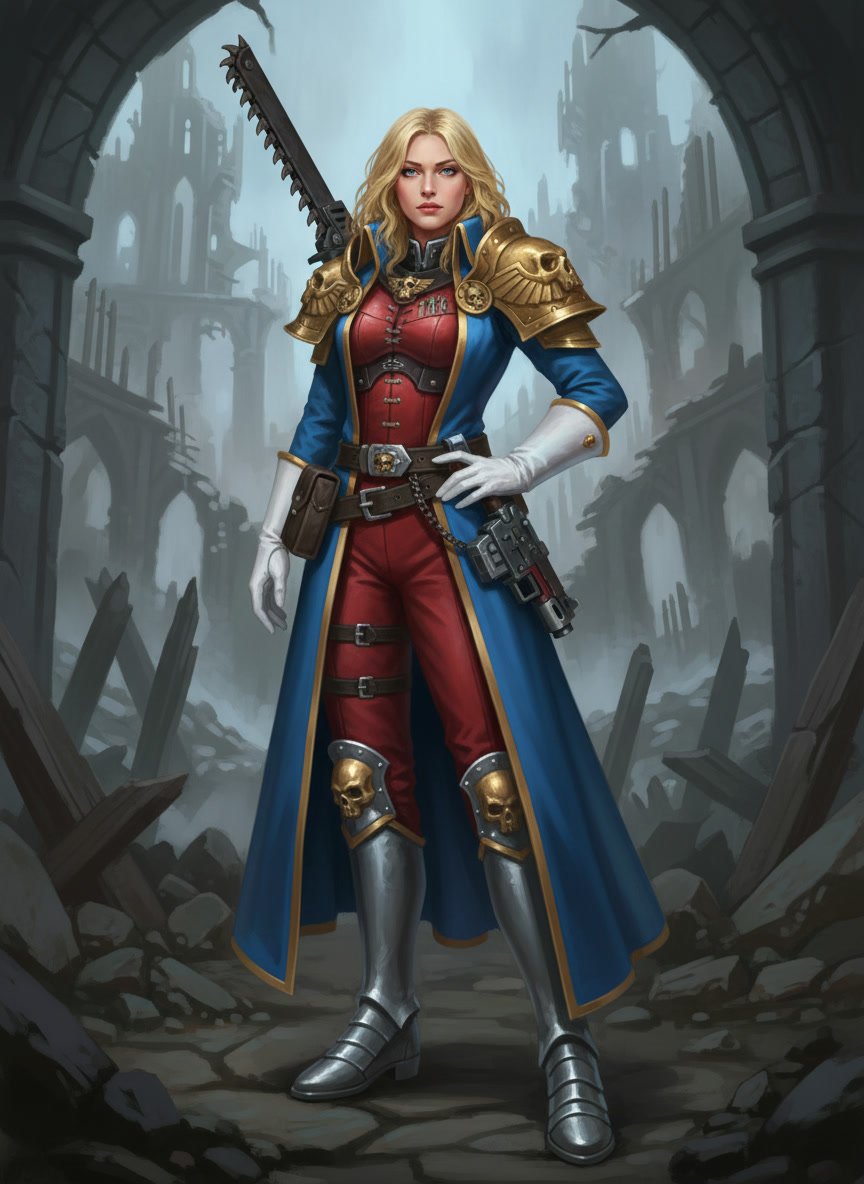
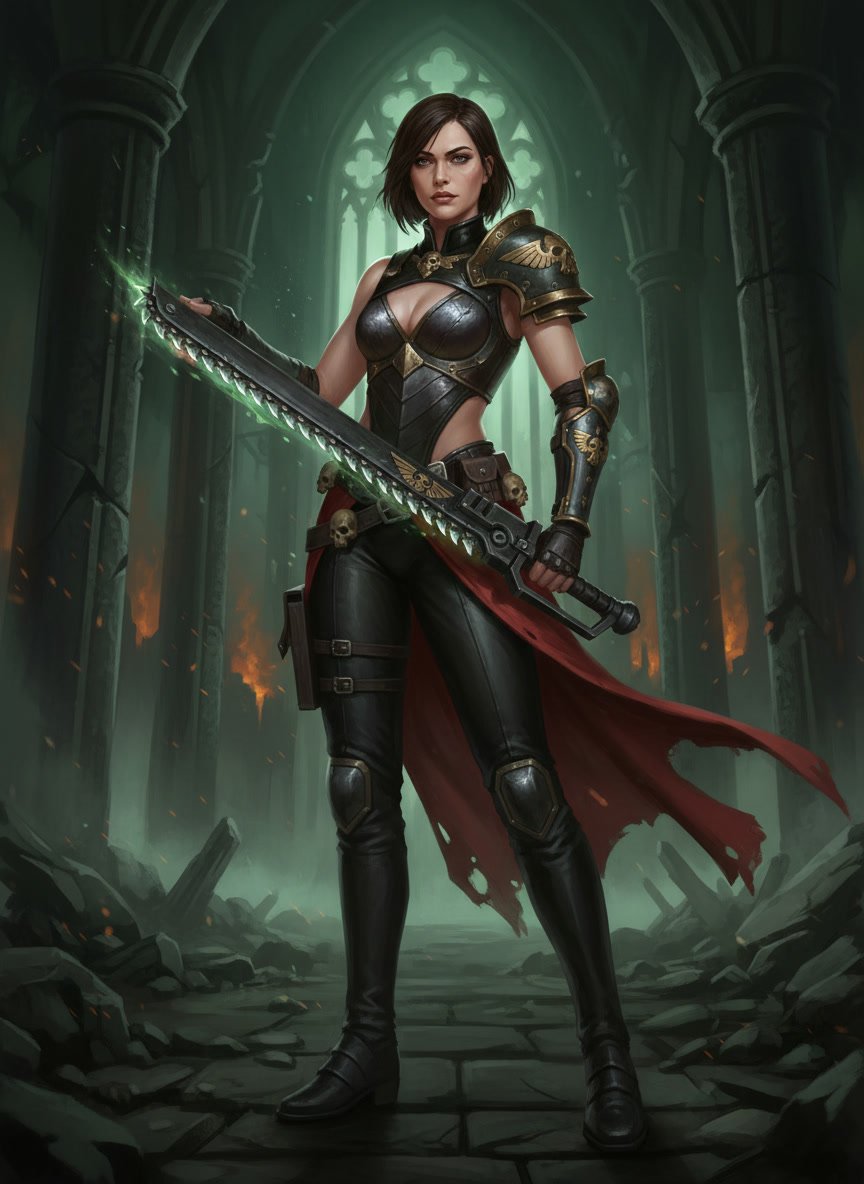
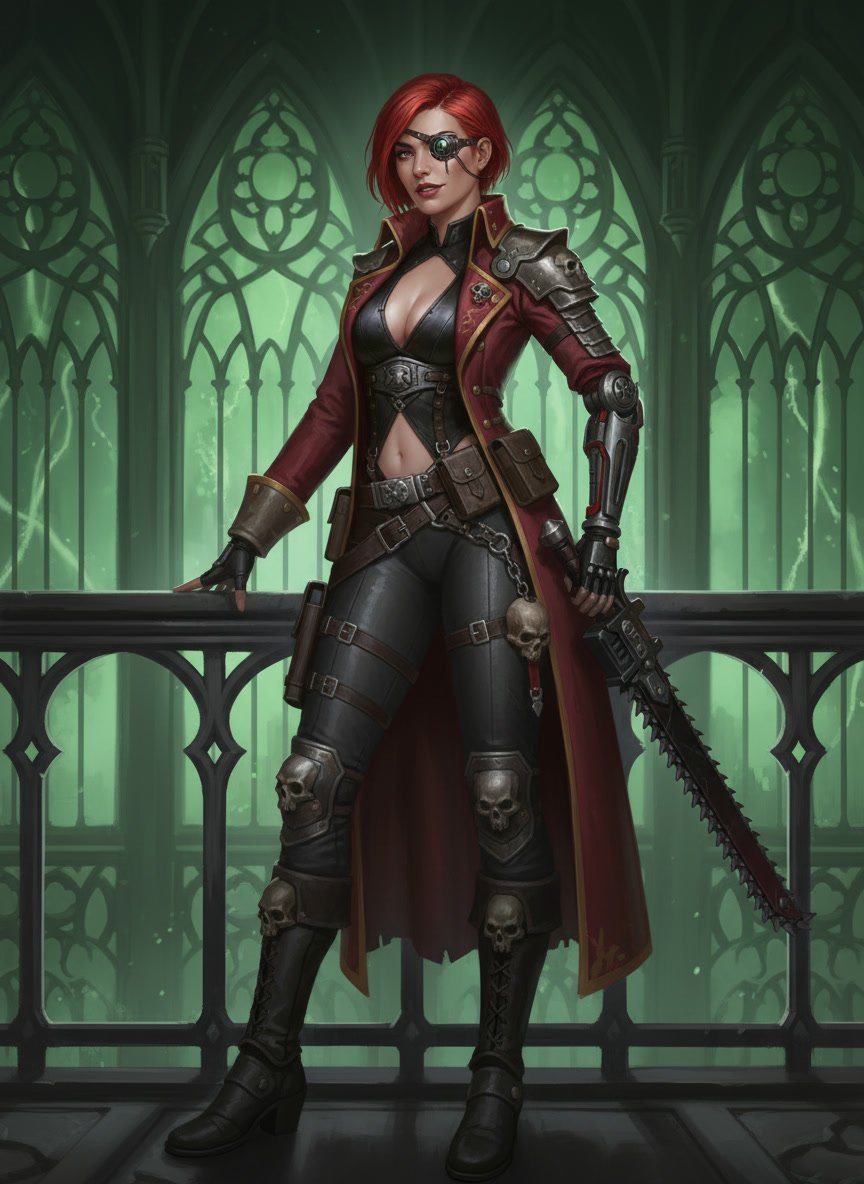
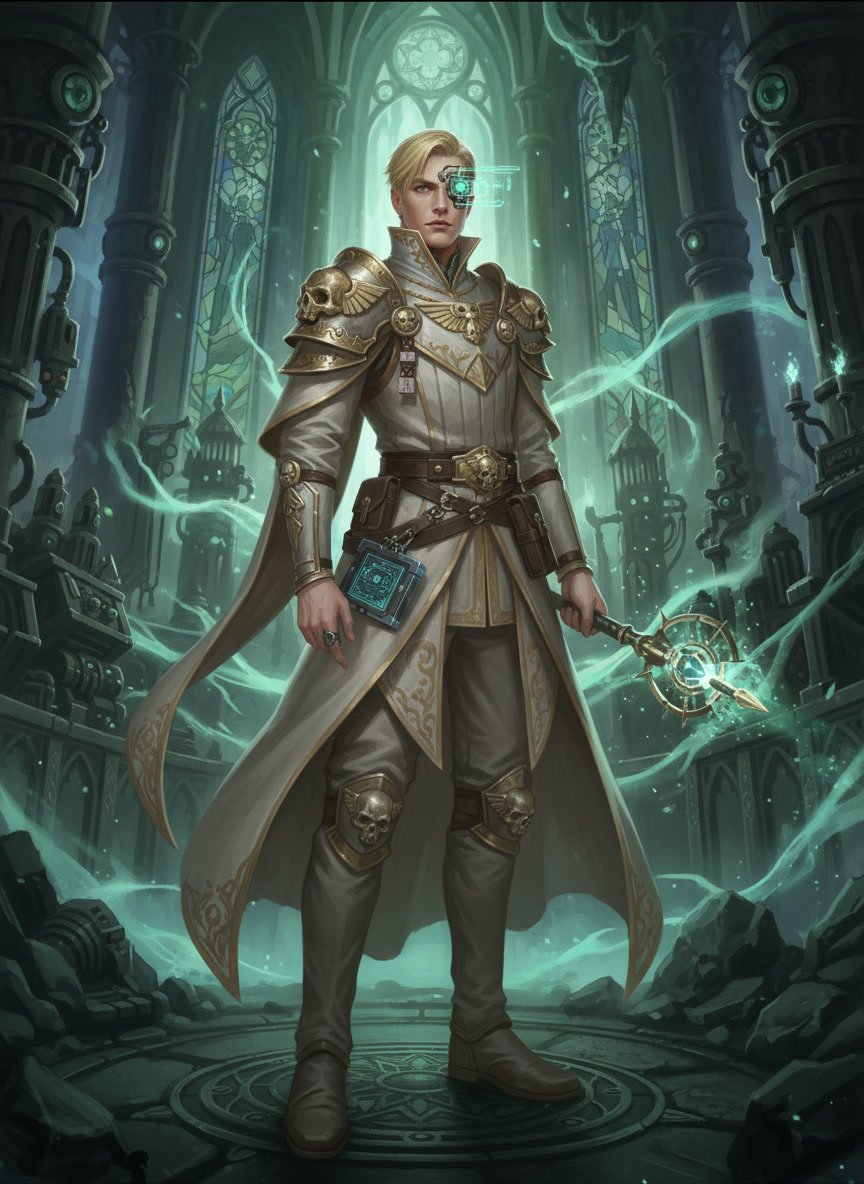
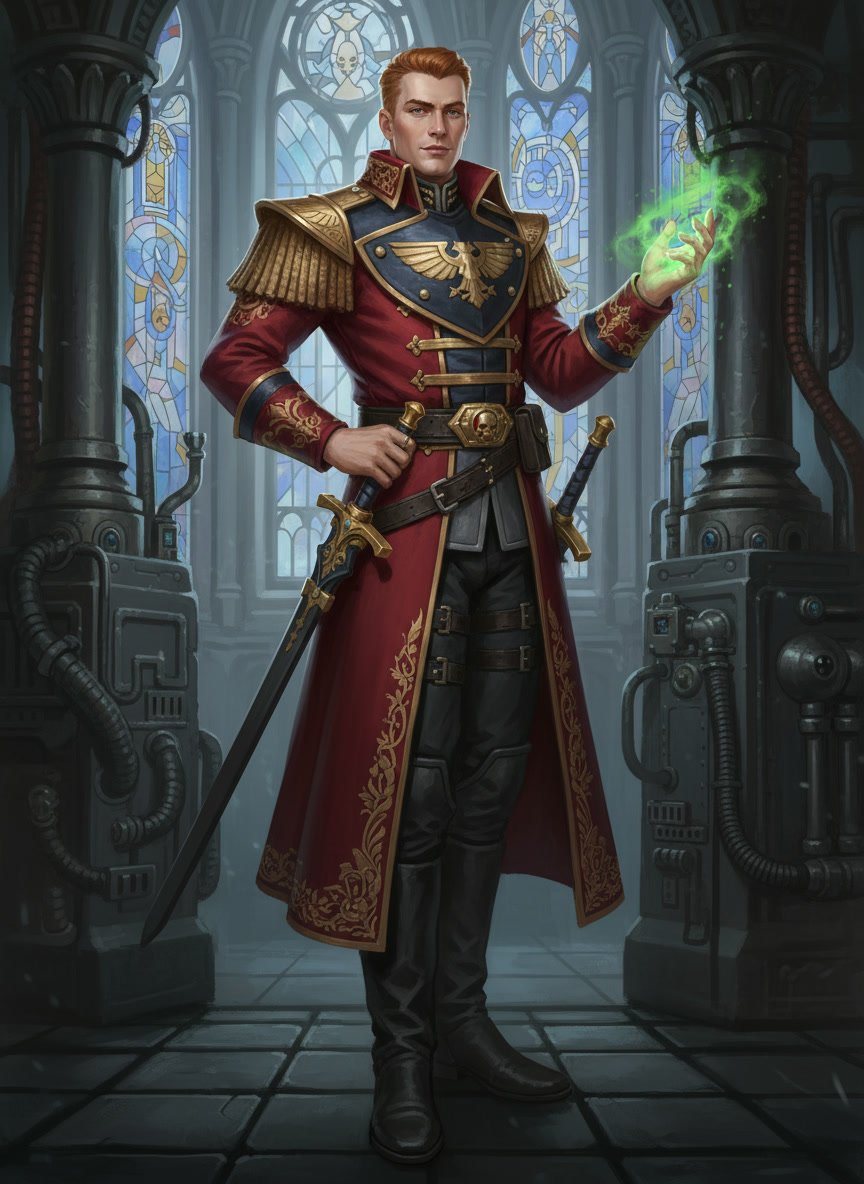
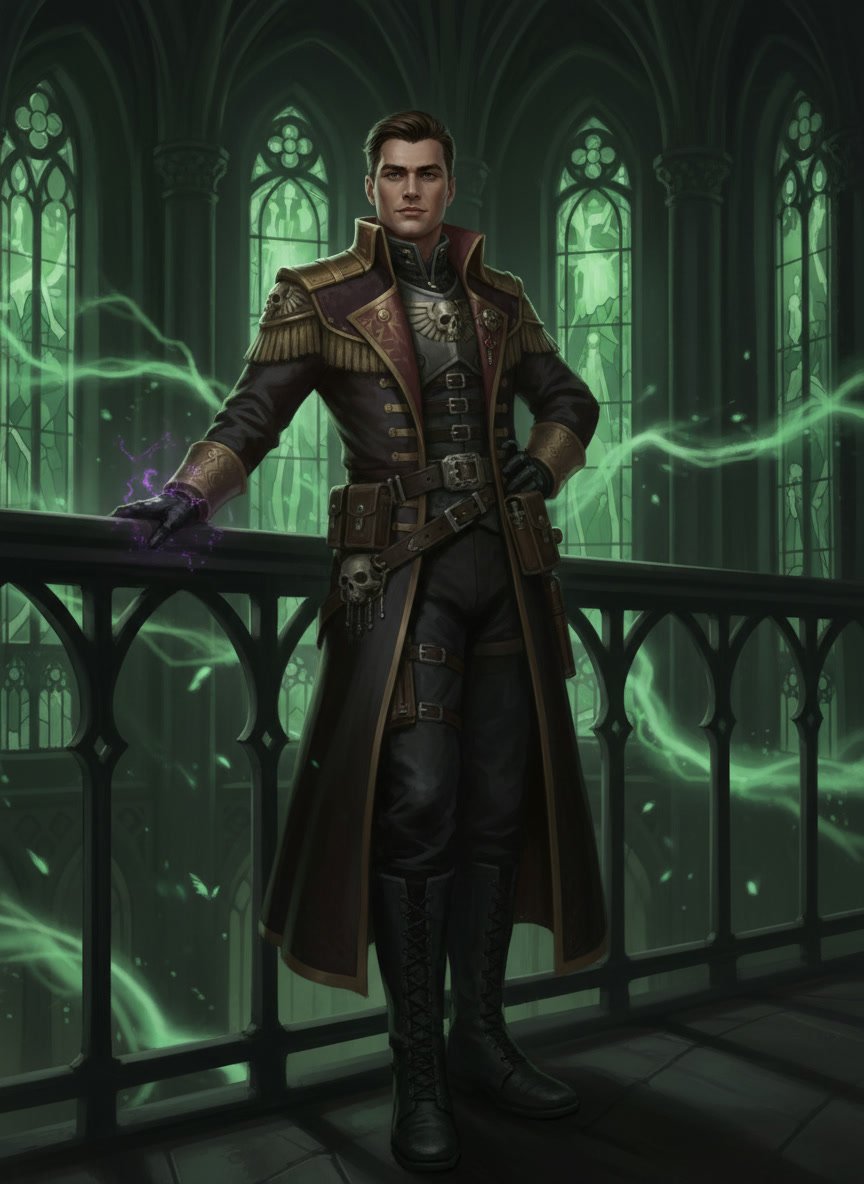
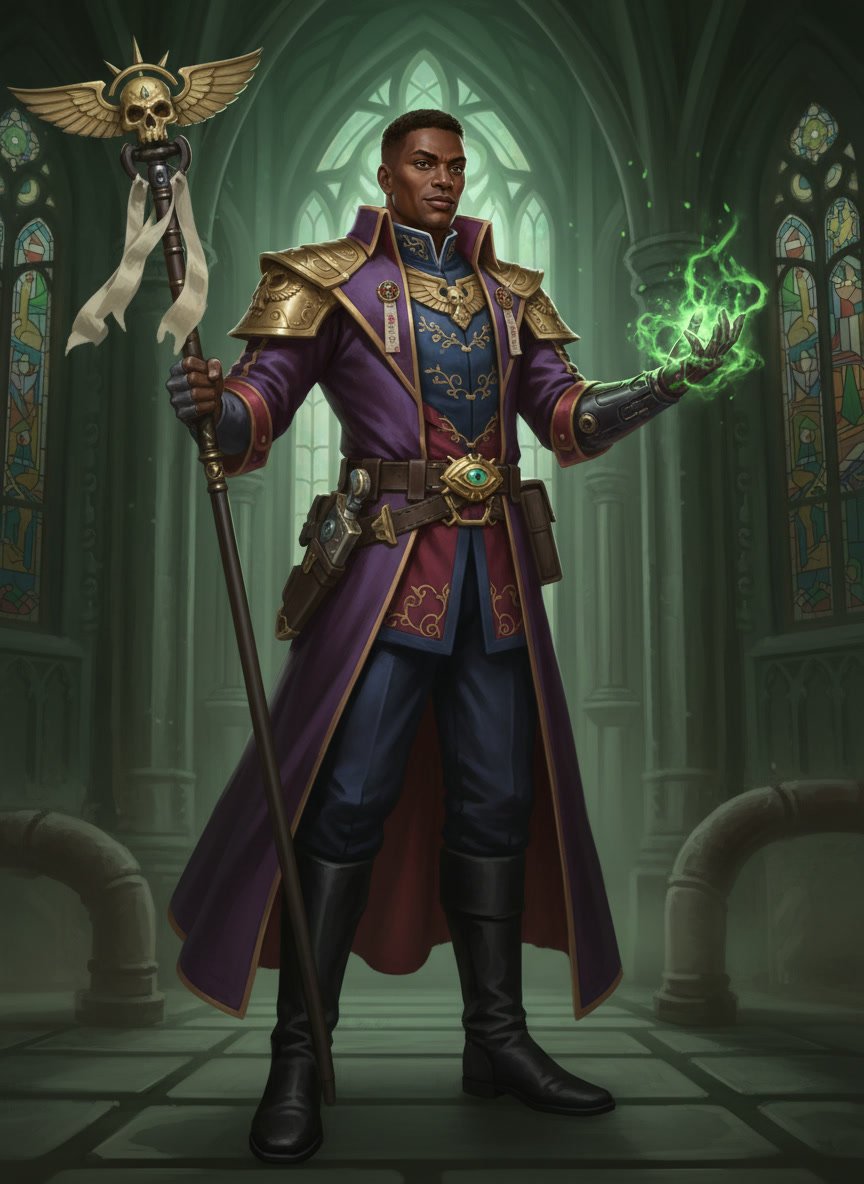
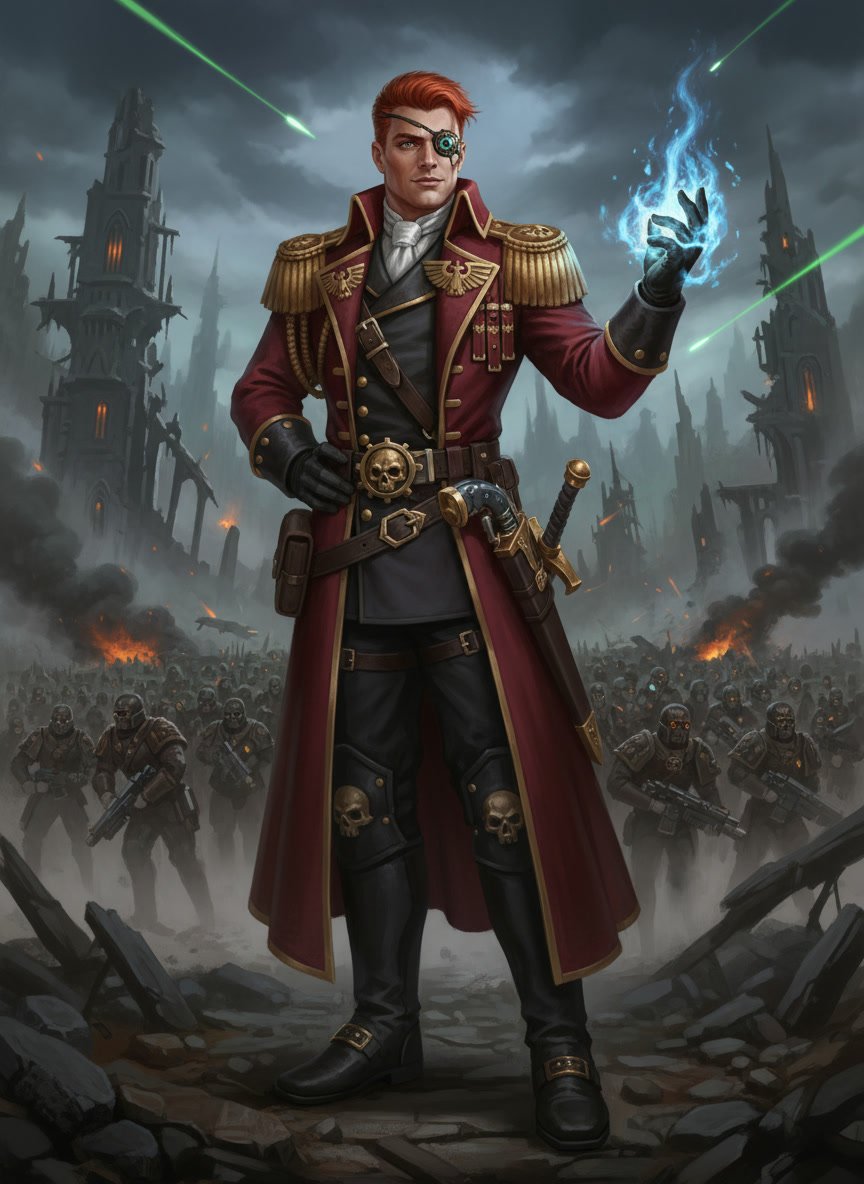
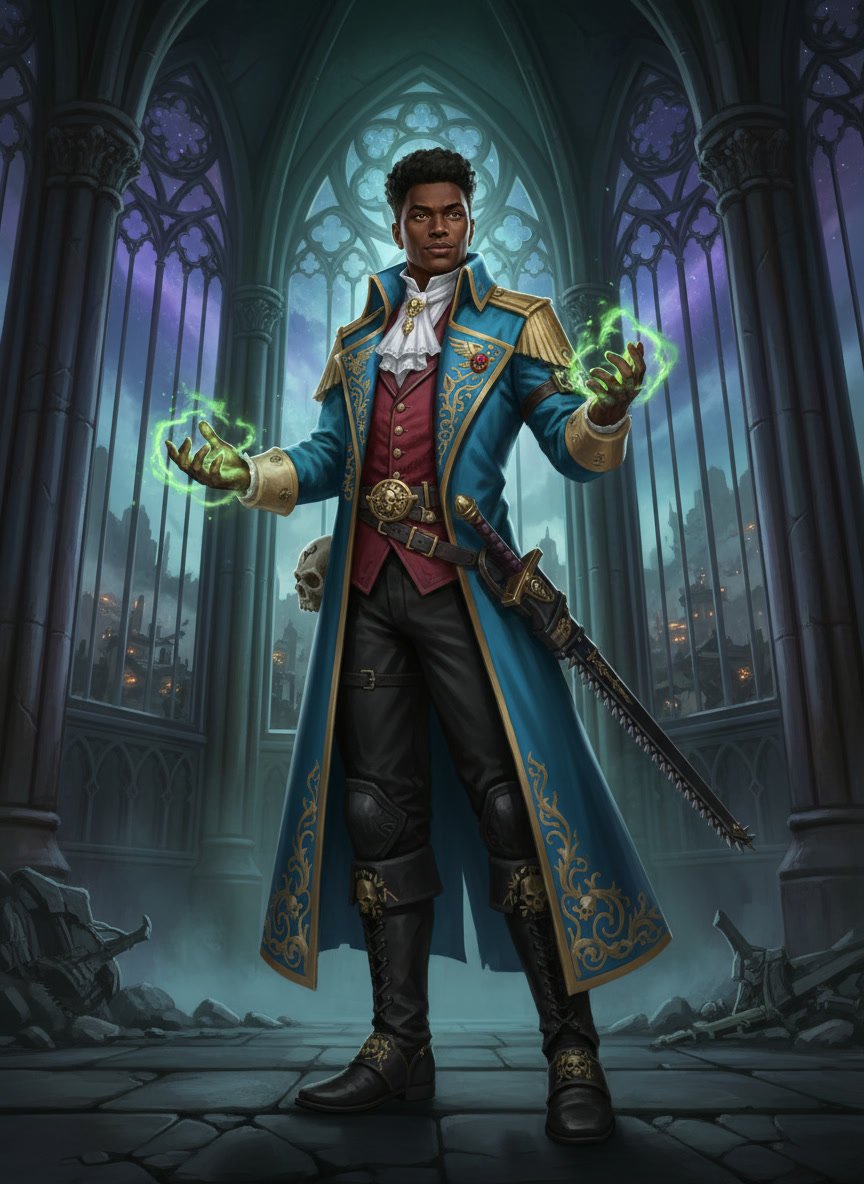
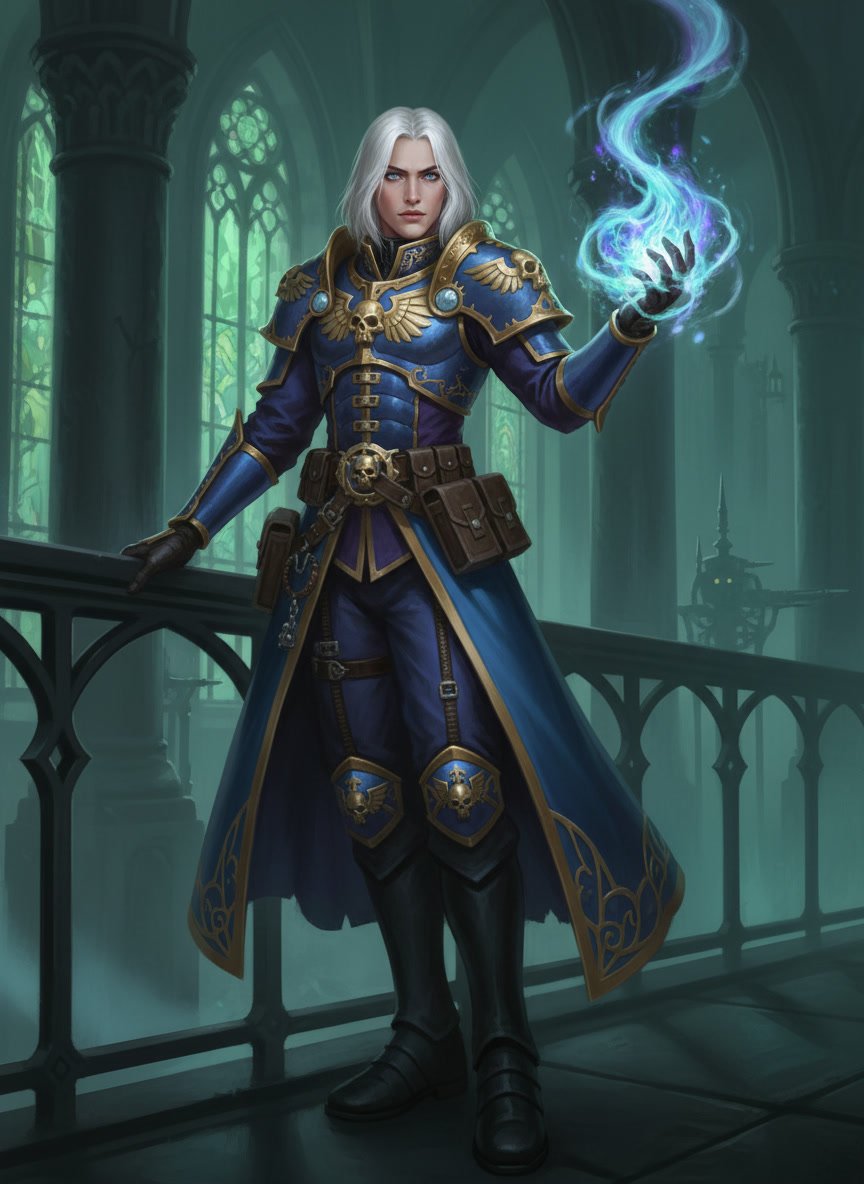
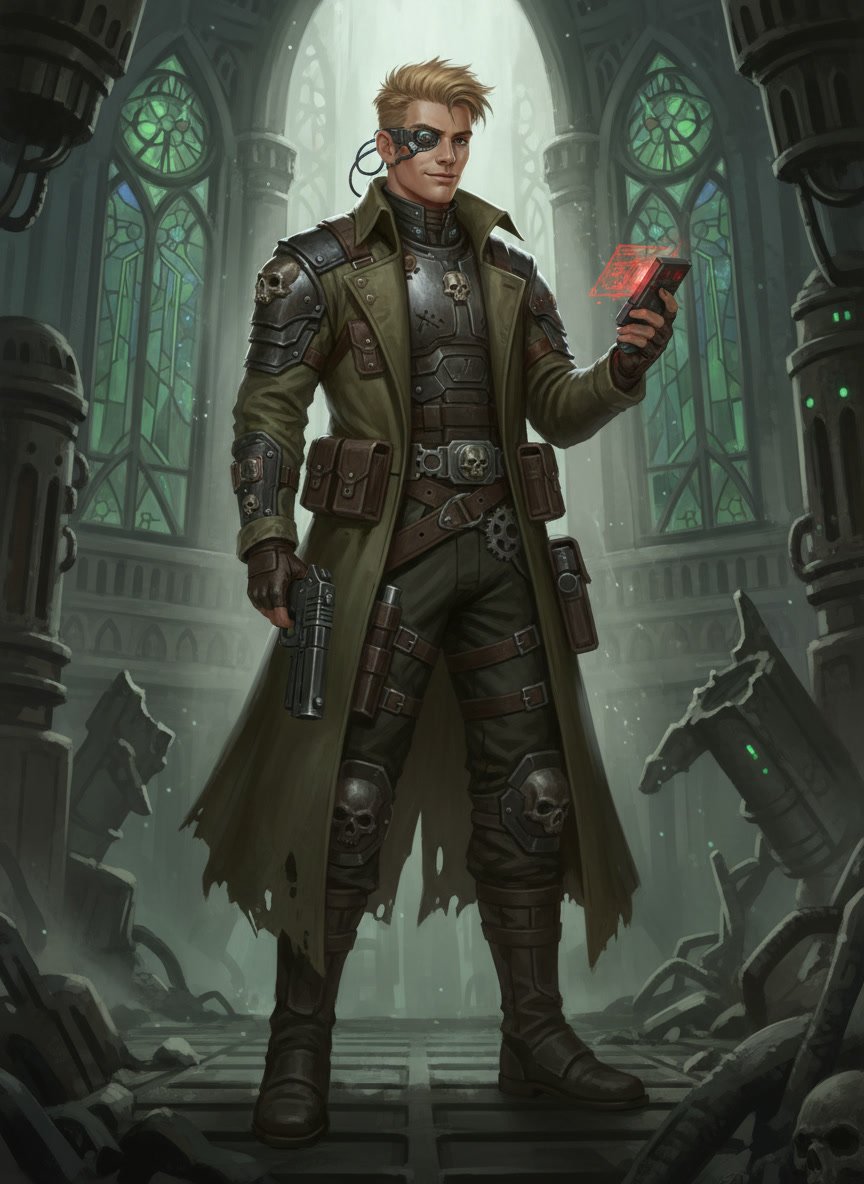
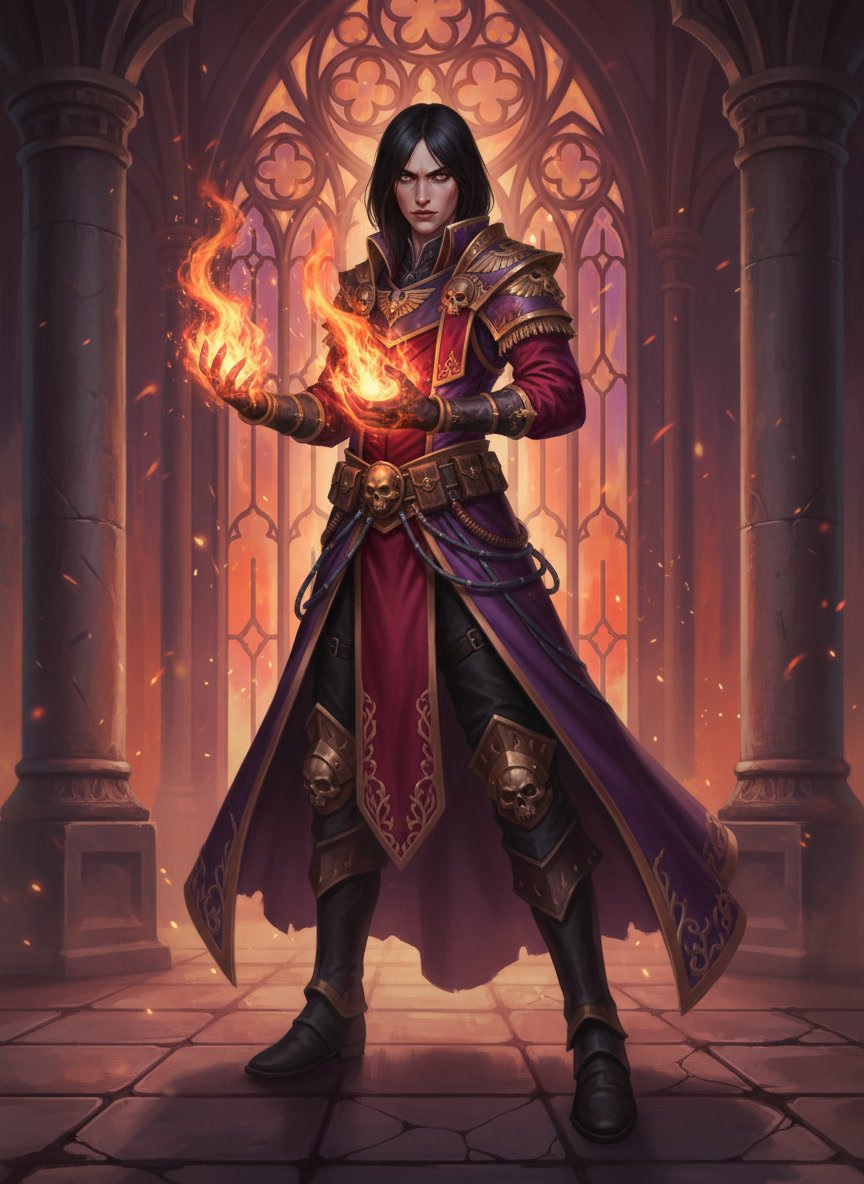
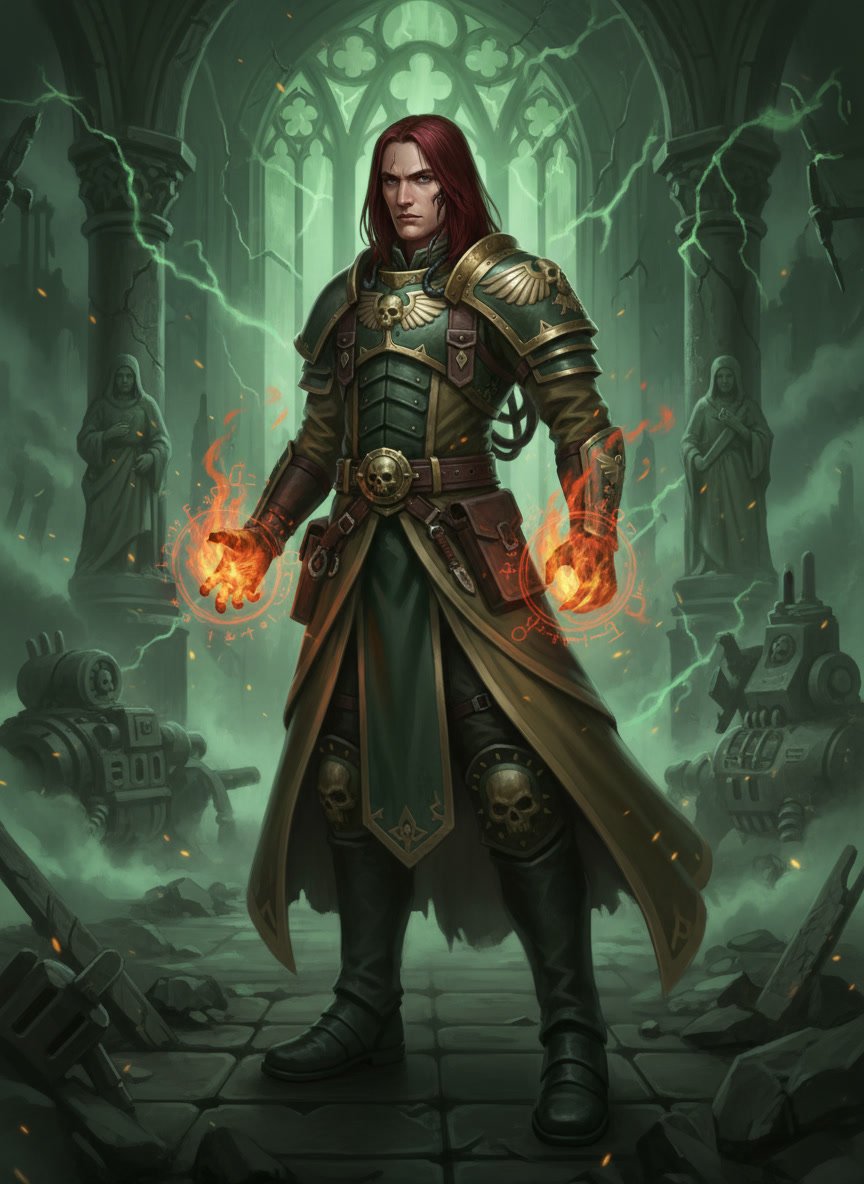
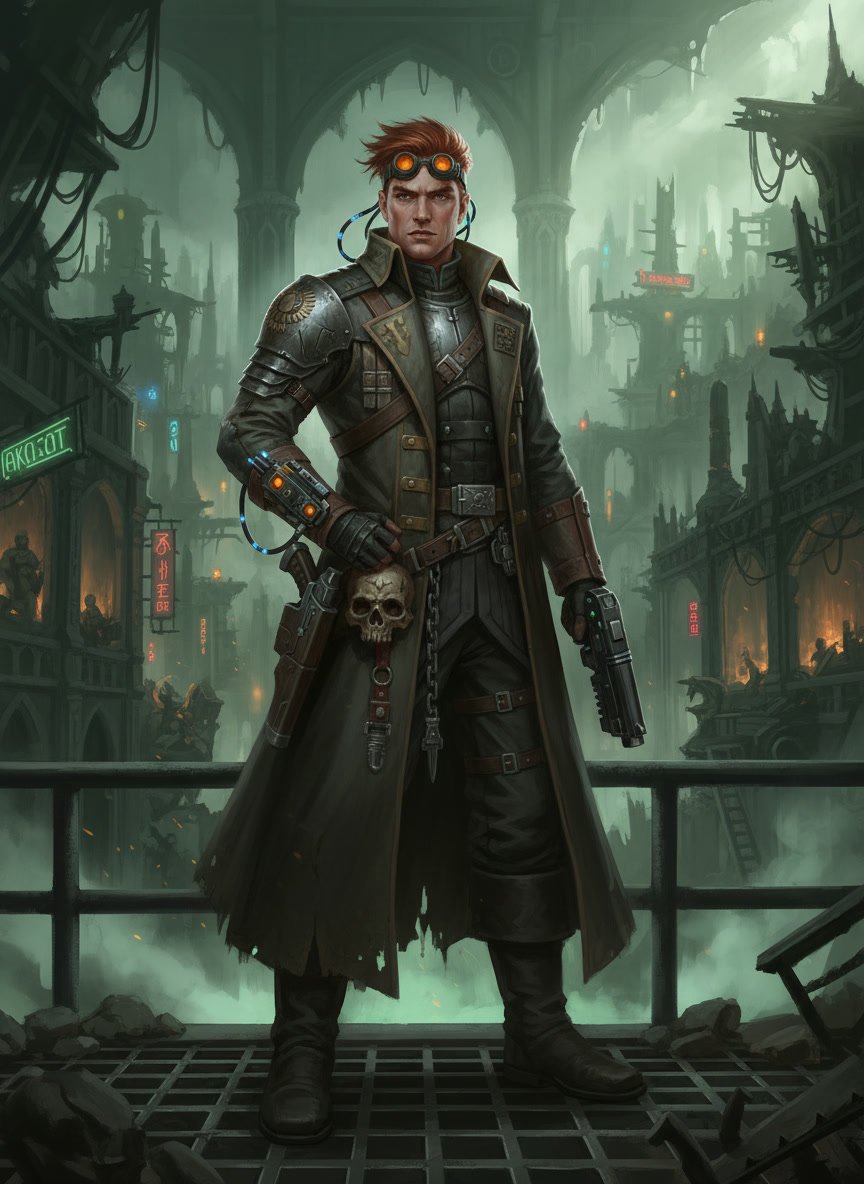
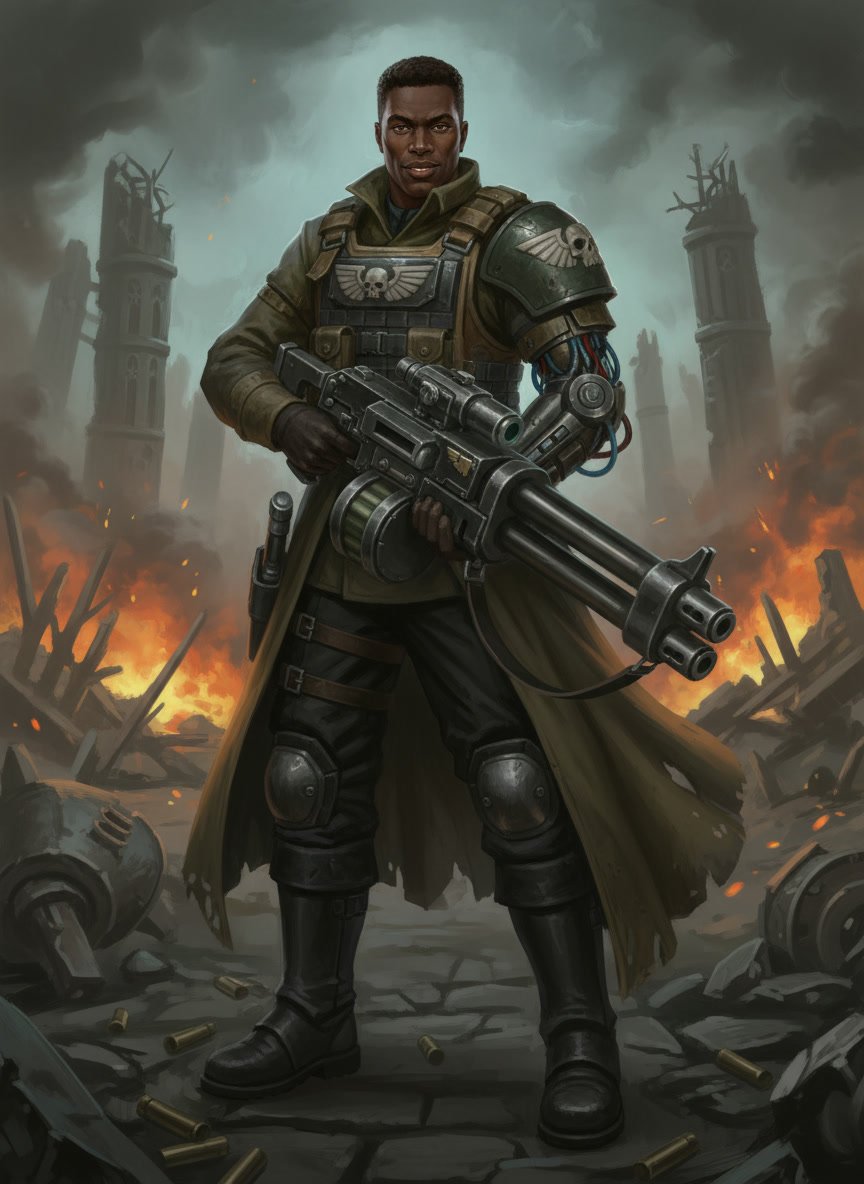
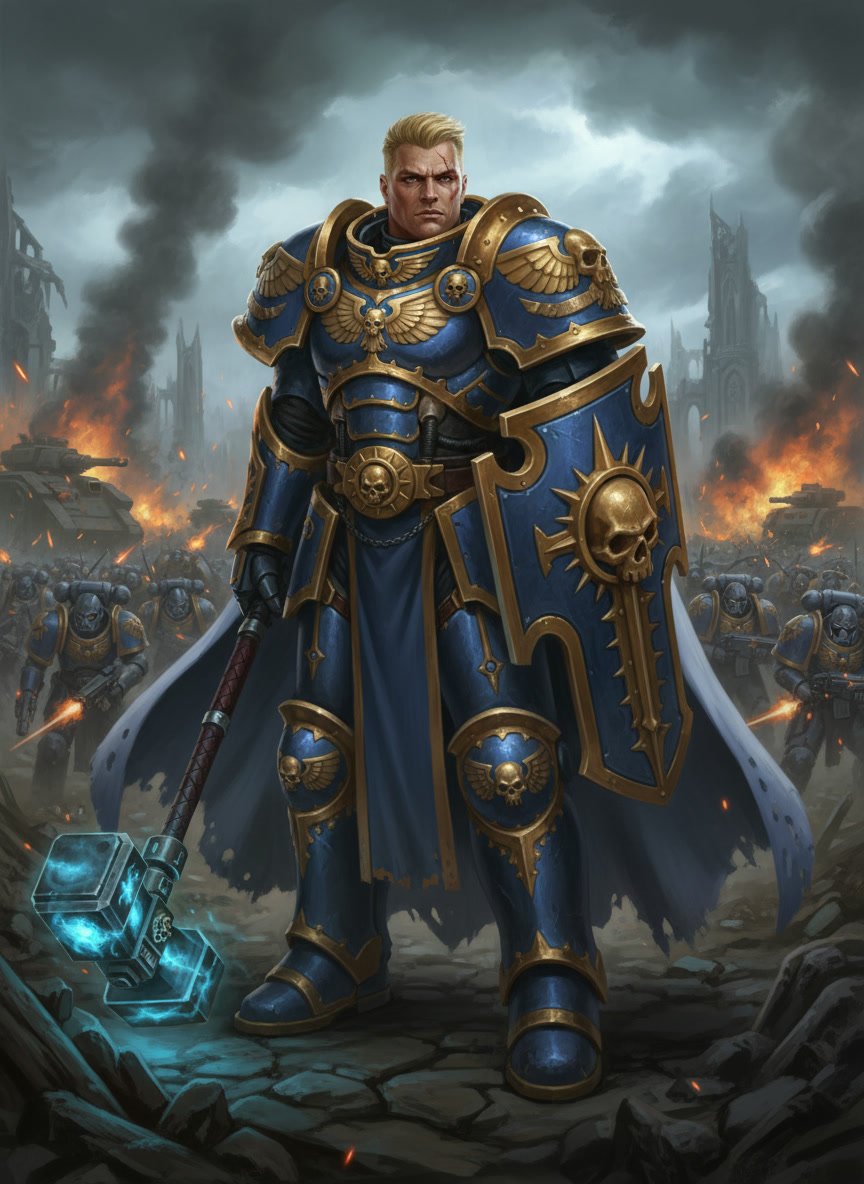
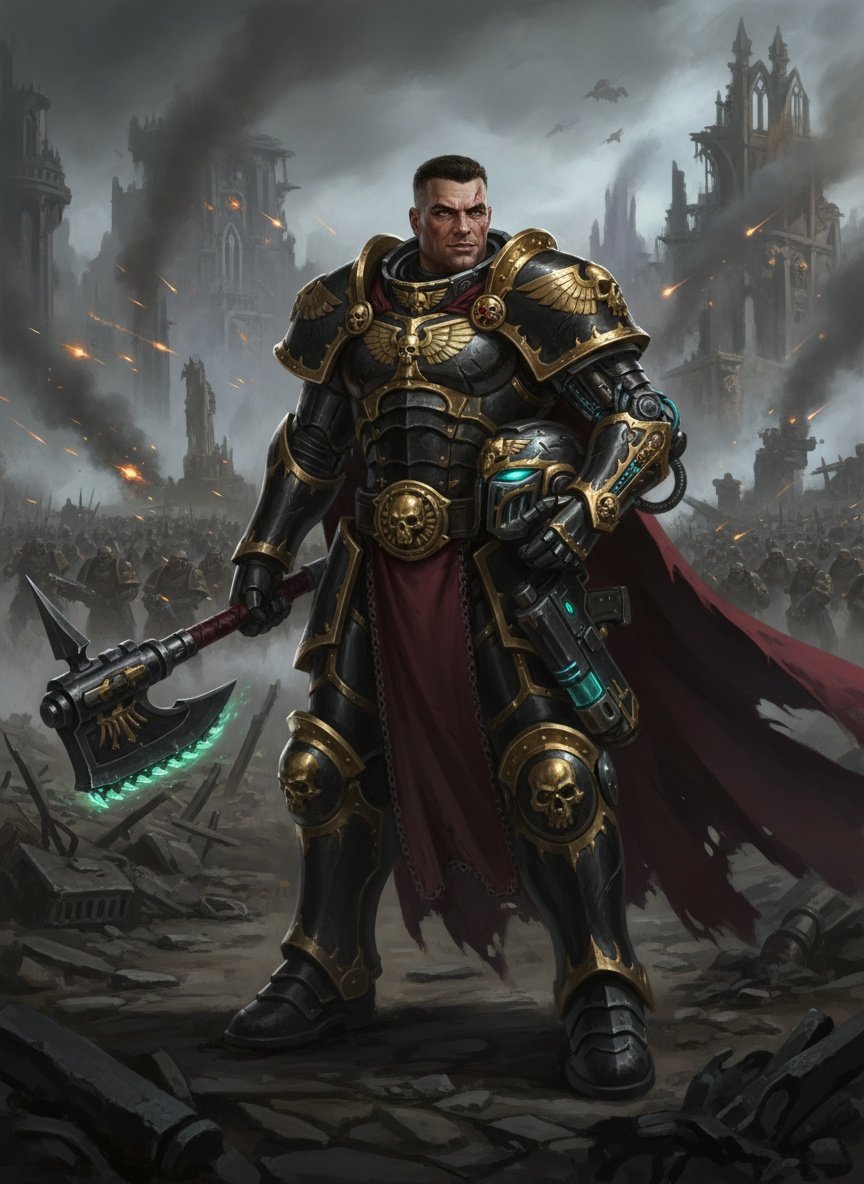
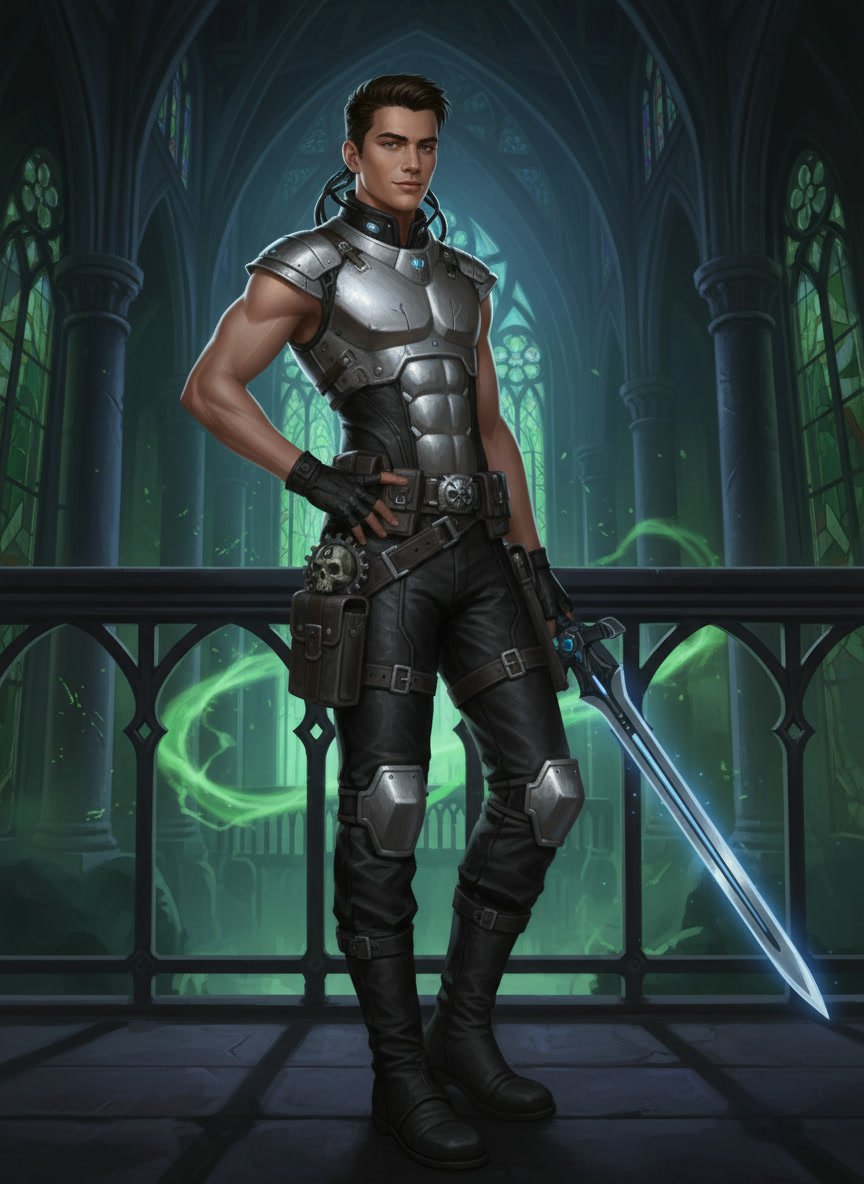
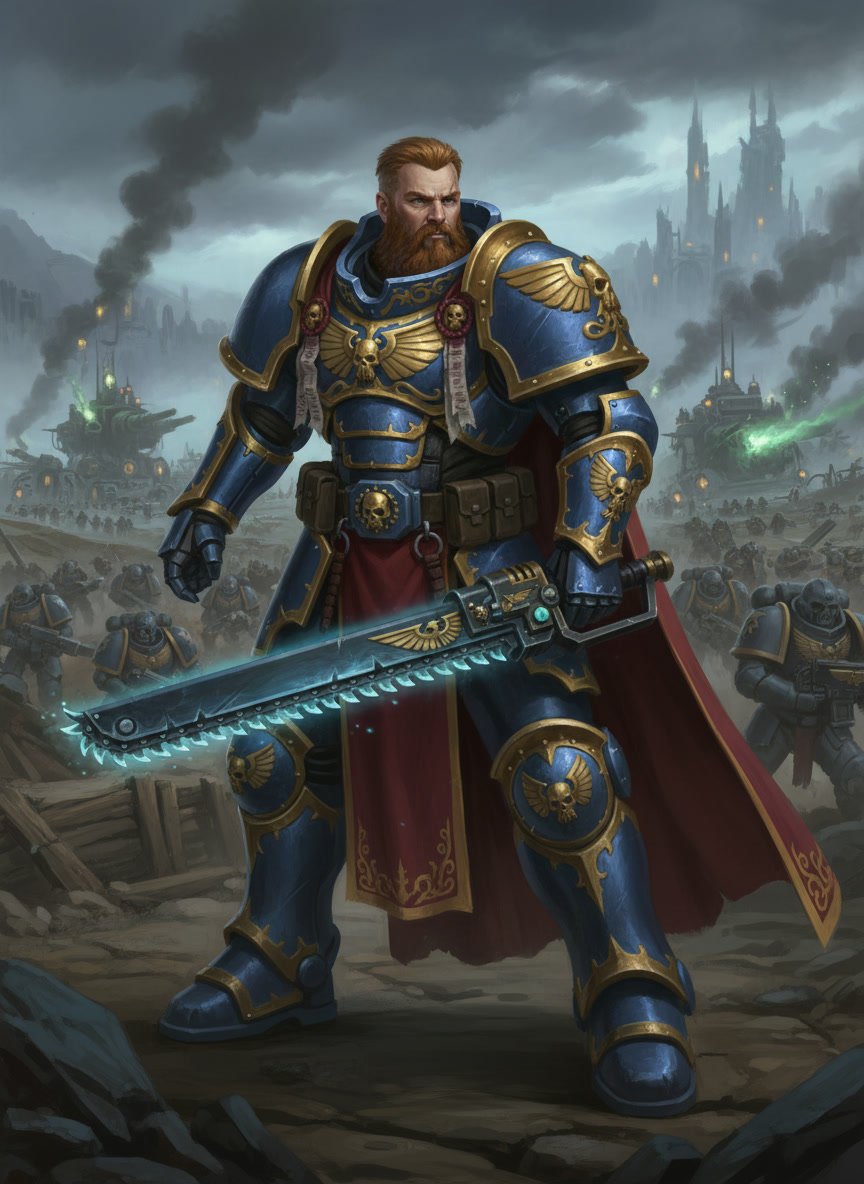
Download free grimdark character portraits for Warhammer 40,000: Rogue Trader. Every pack includes three sizes matched to the game’s requirements so you can drop them directly into your Portraits folder without resizing.
These portraits are designed to fit the dark, gothic aesthetic of the 41st millennium. They cover the main archetypes available in the game, including Soldier, Officer, Operative, and Warrior.
These free Warhammer 40,000: Rogue Trader portraits are created to match the game’s grimdark art style. Each download contains three PNG files (Small, Medium, and Fulllength) so the portraits display correctly in character creation, inventory screens, combat, and dialogue.
The gallery currently focuses on the core archetypes: Soldier (ranged specialists), Officer (command and support), Operative (precision and analysis), and Warrior (melee). New portraits are added regularly to cover more options, including DLC archetypes such as Bladedancer and Zealot when available.
All portraits are AI-generated with Leonardo AI and refined to better match the Warhammer 40k aesthetic. The goal is to provide ready-to-use options that feel like they belong in the Imperium rather than generic fantasy art.
How to Install Custom Portraits in Warhammer 40,000: Rogue Trader
Adding custom portraits is straightforward once you know the correct folder and file names.
Download the ZIP file of the portrait you want.
Extract the ZIP. You should get three PNG files named Small.png, Medium.png, and Fulllength.png.
Navigate to this folder on your computer: C:\Users\[YourUsername]\AppData\LocalLow\Owlcat Games\Warhammer 40000 Rogue Trader\Portraits
Create a new numbered folder inside Portraits (for example, 0001). If 0001 already exists, use the next number (0002, 0003, etc.).
Copy the three PNG files into that numbered folder. Do not rename them.
Launch the game (or restart it if it was open). Go to character creation or the Appearance menu, select Portraits, then Custom. Your new portrait should appear.
Tip: If the portraits do not show up, make sure the files are exactly named Small.png, Medium.png, and Fulllength.png and that they are inside a numbered folder (not directly in the Portraits folder).
Archetypes in Warhammer 40,000: Rogue Trader
In Warhammer 40,000: Rogue Trader, characters do not choose a traditional class. Instead, they select an Archetype, which defines their combat role. Archetypes are divided into three tiers. You start with a Basic archetype at level 1, choose an Advanced archetype at level 16, and unlock the Exemplar tier at level 36. Your choice of archetype works together with your Homeworld and Origin to shape your character.
⚔️ Basic Archetypes (Level 1)
These are the starting roles. Each focuses on a different combat style and determines which Advanced archetypes you can later access.
Warrior — Melee specialist. Excels at close combat, soaking damage, and drawing enemy attention. Strong with high Strength and Toughness. Can advance into Assassin, Vanguard, Arch-Militant, or Executioner.
Officer — Support leader. Uses Fellowship and Willpower to buff allies and grant them extra turns. Excellent for controlling the flow of battle. Can advance into Vanguard, Master Tactician, or Grand Strategist.
Operative — Precision specialist. Uses Intelligence and Perception to analyze enemies, apply debuffs, and deal high single-target damage. Can advance into Assassin, Bounty Hunter, or Grand Strategist.
Soldier — Ranged combatant. Focuses on firearms, mobility, and burst damage. Strong with Ballistic Skill and Agility. Can advance into Bounty Hunter, Master Tactician, or Arch-Militant.
Bladedancer (Void Shadows DLC) — Agile melee fighter. Specializes in mobility, hit-and-run attacks, and building momentum through kills. Can advance into Assassin, Master Tactician, Arch-Militant, or Executioner.
Zealot (Processional of the Damned DLC) — Melee-focused fighter who uses area attacks and draws enemy attention. Strong short-range combatant specialized in bludgeoning damage.
🔥 Advanced Archetypes (Level 16)
At level 16 you choose one Advanced archetype. Your options depend on the Basic archetype you started with. These specialize your role further.
Assassin — High single-target damage and hit-and-run tactics. Focuses on exploiting weaknesses and eliminating priority targets.
Vanguard — Durable frontliner. Excels at protecting allies, mitigating damage, and controlling enemy attention.
Bounty Hunter — Efficient killer who marks targets and deals extra damage to them. Strong for focused elimination.
Master Tactician — Powerful support role that boosts allies and generates momentum for the party.
Grand Strategist — Battlefield controller. Uses zones and positioning to buff allies and hinder enemies.
Arch-Militant — Versatile combat specialist who can switch between different fighting styles during battle.
Executioner (Void Shadows DLC) — Aggressive melee role focused on finishing wounded enemies and dealing heavy damage.
🏆 Exemplar (Level 36)
At level 36 every character becomes an Exemplar. This tier allows you to further develop abilities from your previous two archetypes and represents the peak of your character’s specialization. There is only one choice at this tier.
All portraits on this page are designed for the various archetypes available in Warhammer 40,000: Rogue Trader. You can filter by gender and archetype to find the right look for your Lord Captain or companions.
DLCs for Warhammer 40,000: Rogue Trader
Void Shadows — Adds the Bladedancer and Executioner archetypes, new story content, and a Death Cult theme.
Lex Imperialis — Expands the story with new quests and companions focused on Imperial law.
The Infinite Museion — Introduces Necron-related content, a new companion, and additional systems.
Processional of the Damned (coming December 2026) — Adds the Zealot archetype, a new companion, and additional story content.